Desk audit, October 2026
Webflow Review 2026: A WordPress Practitioner's Audit
Pricing, public ratings from four platforms, CMS and export limits, and who should stay on WordPress.
Summary
Webflow review for 2026: a desk audit by a WordPress-focused team. Webflow gives designers excellent control, clean markup and a native CMS, with public ratings of 4.4/5 on G2 and 1.5/5 on Trustpilot. The real cost is $25 a month for Premium, closer to $44 with code export. We score it 7.4/10, and explain when WordPress still wins.
Webflow is the strongest visual builder for designers who want clean markup and a native CMS without a plugin stack. Public ratings split sharply: 4.4/5 on G2 across 995 reviews, 1.5/5 on Trustpilot across 239. We score it 7.4/10: superb design control, but costs climb fast and exported code cannot be re-imported.
- Design control
- 9/10
- CMS and content modelling
- 7.5/10
- SEO tooling
- 8/10
- Pricing
- 5.5/10
- Learning curve
- 6/10
- Ecosystem and portability
- 6/10
- Visual Designer outputs clean, standards-based HTML and CSS
- Native CMS, SEO controls and hosting in one account, no plugin stack
- Free Starter plan and free workspace make it cheap to evaluate
- Costs climb fast: $25 Premium, plus workspace and bandwidth add-ons
- Exported code cannot be re-imported and dynamic content exports per collection
- Steep learning curve: 102 G2 reviews name it as the main friction
Free Starter plan, no card required
How we tested
- Plan paid
- None purchased: audit of the public plan structure
- Version tested
- Public product, pricing and help pages as published on 14 October 2026
- Test period
- 2026-10-14 → 2026-10-14
We did not buy a Webflow plan and we did not build a client site for this page. On 14 October 2026 we read the live pricing page and its FAQ, captured the Designer, CMS, SEO and pricing pages as screenshots, and pulled public ratings and written reviews from G2, Capterra, Trustpilot and Product Hunt, then skimmed Reddit threads comparing Webflow and WordPress. Every number comes from one of those sources and is dated. Where we reason beyond them, such as the combined cost of a CMS site with code export, we show the arithmetic. Judgements about WordPress come from our own block-theme and Full Site Editing work, which is the lens this site writes from. Treat the score as an informed audit, not a benchmark, and re-check prices before buying.
Should you move a WordPress client to Webflow?
YES if you...
- Designers and small agencies who want pixel-level control without writing theme code
- Marketing teams publishing a content-rich brochure site with a handful of collections
- Freelancers who want staging, client seats and hosting handled under one login
- Teams that want clean semantic markup out of the box
NO if you...
- Anyone who relies on the WordPress plugin ecosystem for memberships, bookings or niche integrations
- Publishers who need proven right-to-left editing and multilingual depth today
- Budget-first builders who host dozens of low-traffic sites and watch every dollar
- Developers who want to own the code, the database and the hosting contract
What a Webflow site actually costs
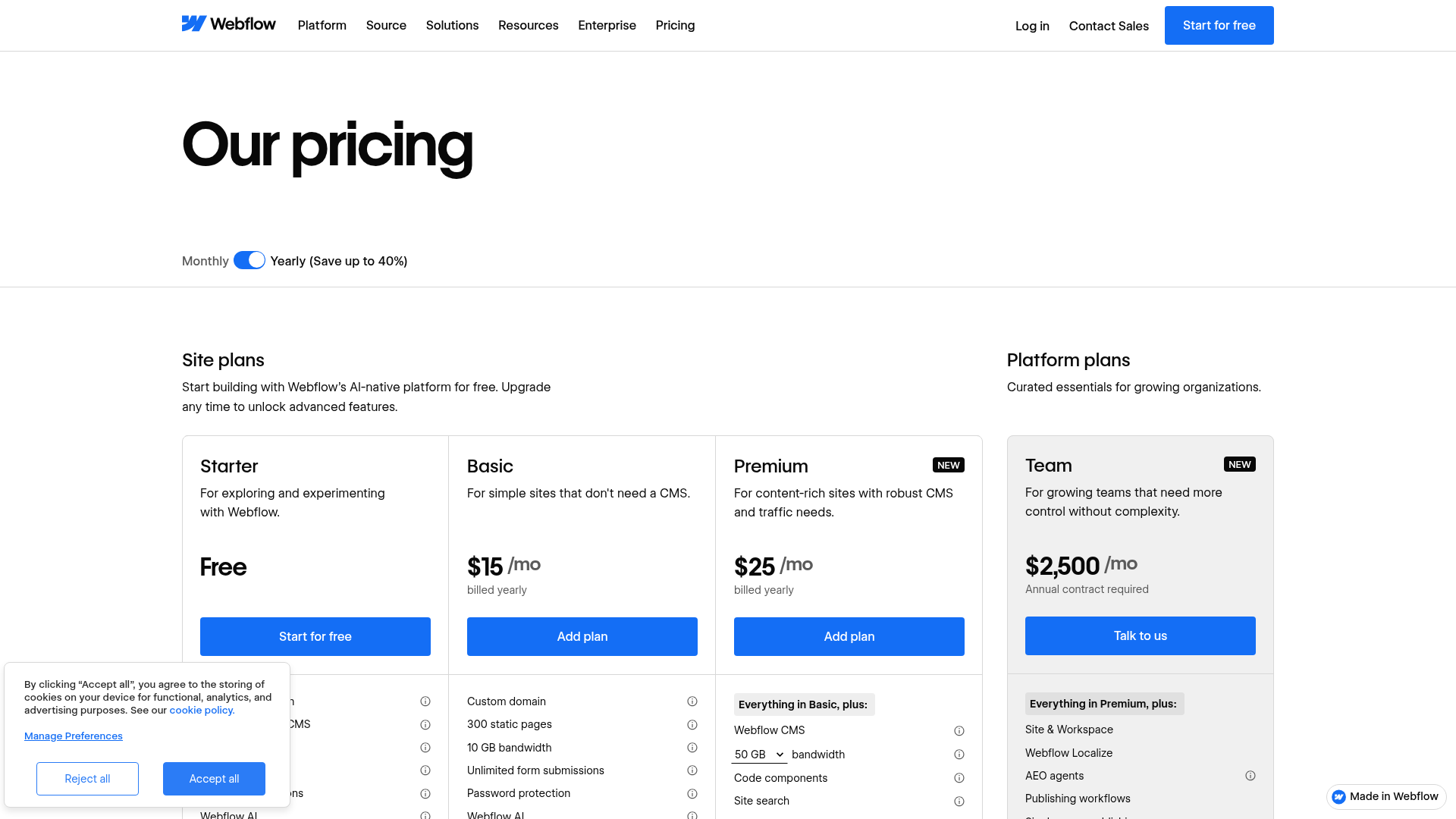
Site plans are billed per site. Workspace plans and seats are separate.
Starter
For exploring
- webflow.io domain
- Limited CMS
- 2 static pages
- 1 GB bandwidth
- 50 form submissions
Basic
Simple sites without a CMS
- Custom domain
- 300 static pages
- 10 GB bandwidth
- Unlimited form submissions
- Password protection
Premium
Content-rich sites
- Webflow CMS
- 50 GB to 2.5 TB bandwidth tiers
- Code components
- Site search
- Form file upload
Team
Growing organisations
- Everything in Premium
- Webflow Localize
- Publishing workflows
- Site activity log and API
- Priority support
ROI breakdown: A single CMS site with code export needs Premium ($25) plus a Core workspace ($19), so $44 a month billed yearly before bandwidth, seats or localisation. WordPress hosting can undercut that figure, but you then pay in plugin licences and maintenance time instead.
Hidden costs & gotchas
- Workspace plans are separate: Core is $19 a month and Growth $49, both billed yearly
- A full extra seat costs $39 a month, a limited seat $15
- Premium bandwidth add-ons start at +$20 a month per 50 GB billed yearly, $30 if monthly
- Localize Essential is $9 a month for 3 locales and 10,000 words, Advanced $29 for up to 10 locales
- Ecommerce is a separate plan family: $29 a month with a 2% transaction fee, 0% only from $74
A visual-first CMS, bounded by plan limits
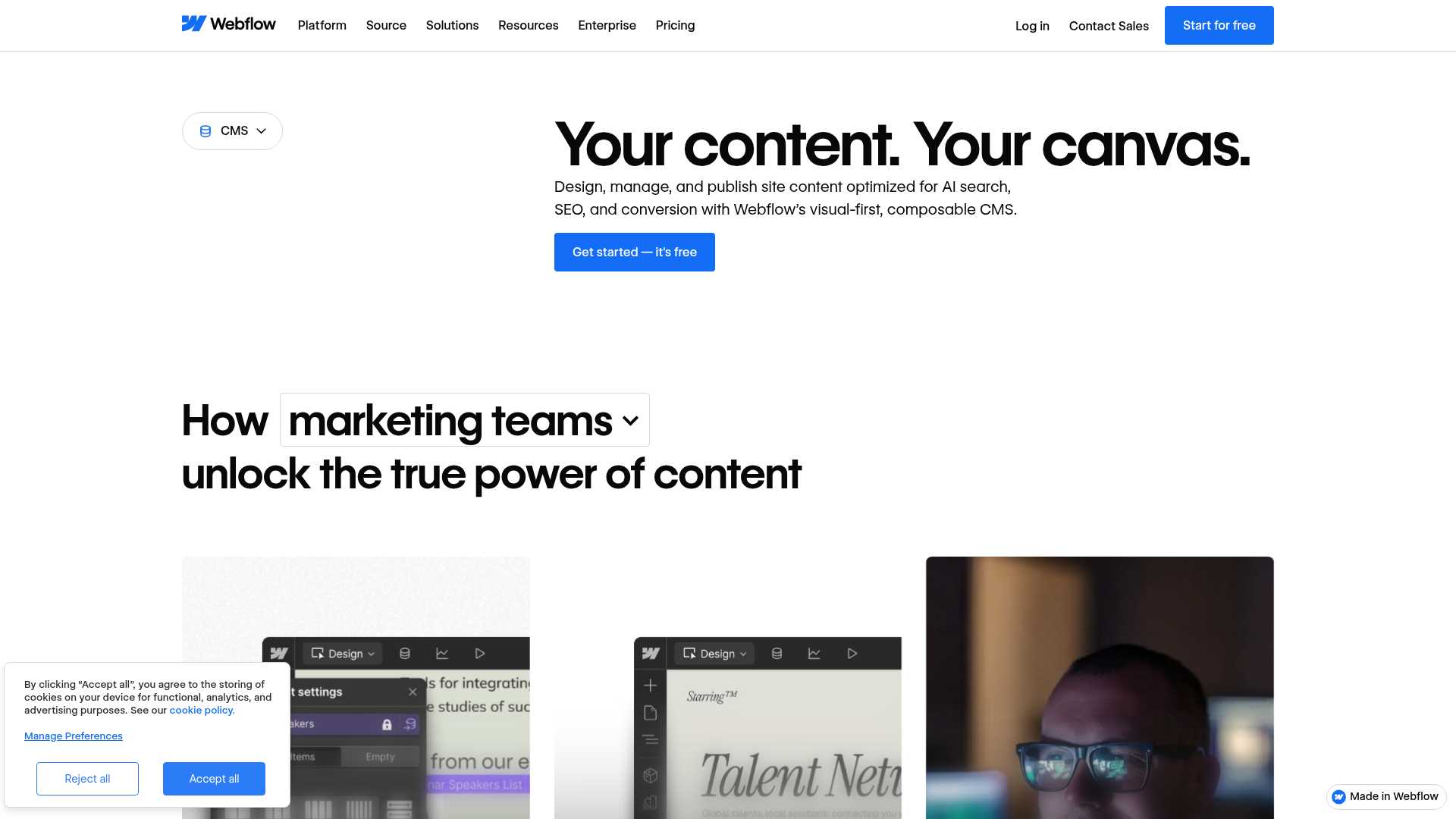
Webflow's pitch is that content lives next to the canvas: you design a collection template, bind fields to elements and edit items in the same product. This is a clear break from WordPress, where content and presentation meet through a theme and a database you host.
What we measured
Public numbers and screenshots, all dated 14 October 2026.
- G2 rating
- 4.4 / 5 995 reviews, 71% five-star, G2 page read 14 Oct 2026
- Capterra rating
- 4.5 / 5 267 reviews, 186 five-star and 12 one-star
- Trustpilot rating
- 1.5 / 5 239 reviews, TrustScore shown on profile 14 Oct 2026
- Product Hunt rating
- 4.8 / 5 146 reviews, mostly founders (101)
- Entry price for a CMS site
- $25 / mo billed yearly Premium plan, 50 GB bandwidth tier, webflow.com/pricing
- CMS site with code export
- $44 / mo billed yearly Premium $25 plus Core workspace $19, our arithmetic from listed prices
- Extra bandwidth
- +$20 / mo per 50 GB Billed yearly, $30 if billed monthly
- G2 learning-curve mentions
- 102 reviews Against 246 mentions of ease of use in the same tag list
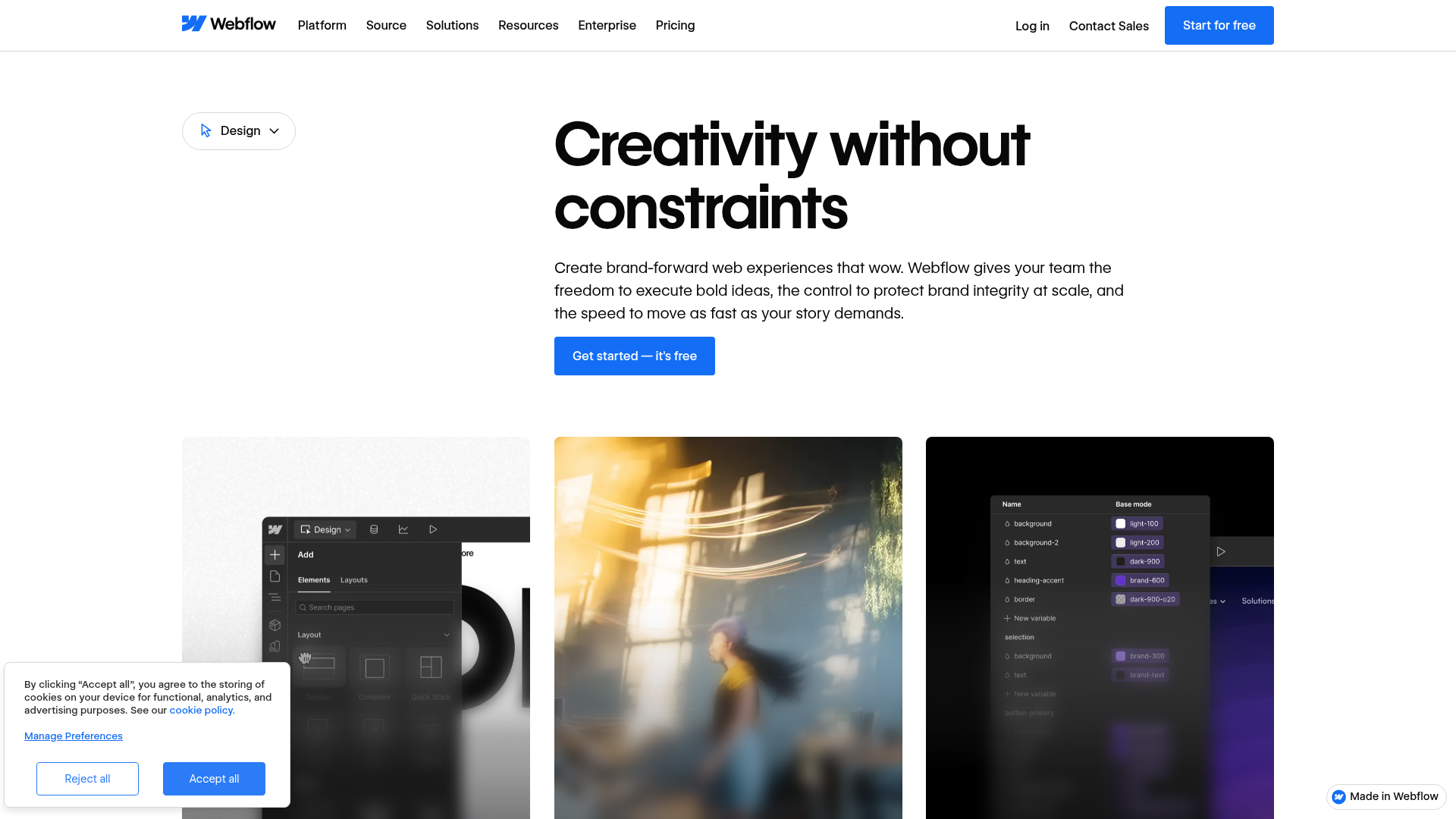
Open the Designer product page and check what the visual editor exposes for a design-system workflow.
Read the pricing page as a freelancer who needs a CMS and a client handover.
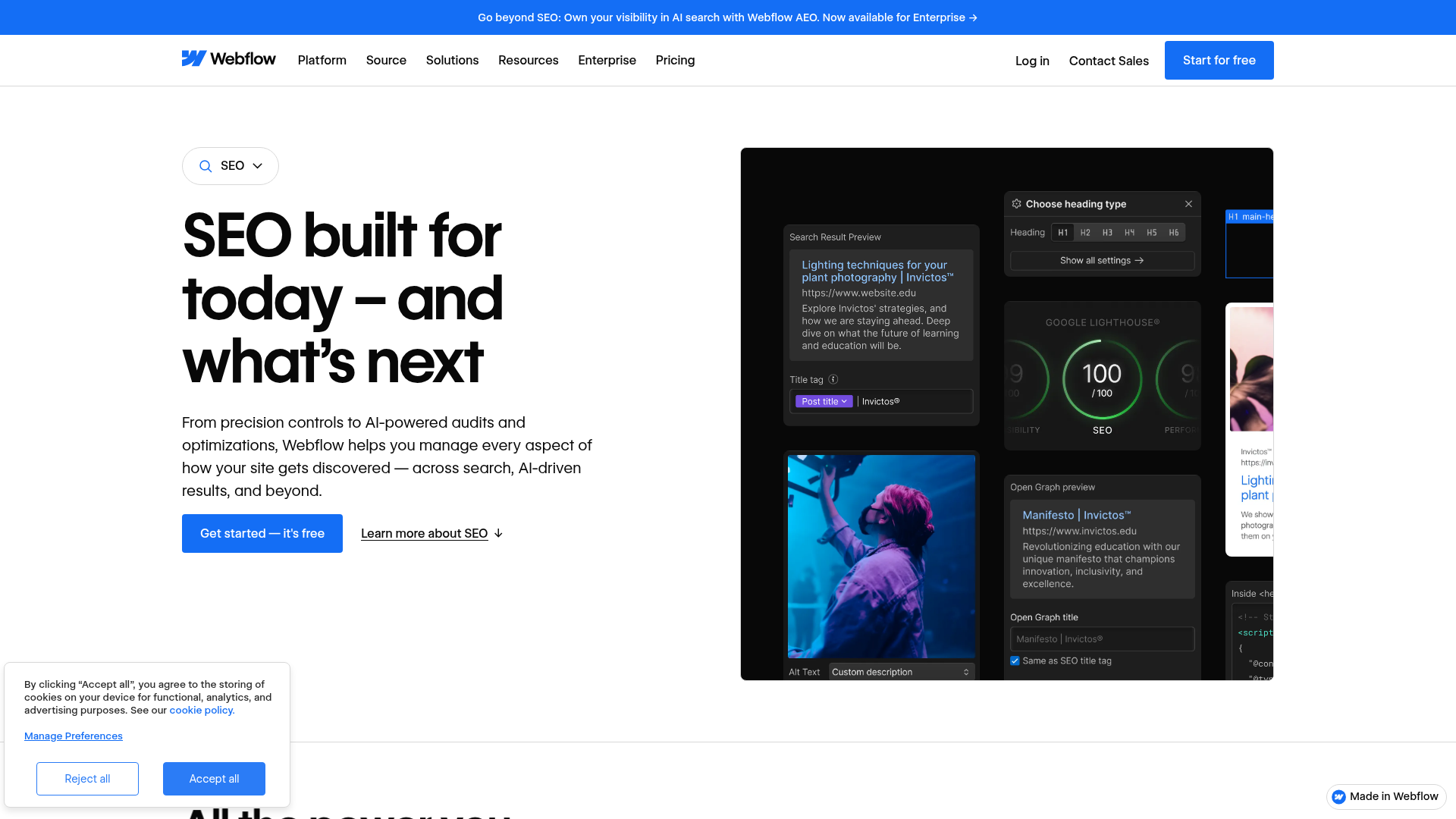
Check the SEO page for the controls a WordPress user would otherwise add with a plugin.
Pros and cons
Pros
- Design control without writing theme code Variables, breakpoints and interactions live in one editor. Reviewers on G2 tag design flexibility 158 times and ease of use 246 times.
- SEO and hosting built into the platform Title templating, heading picker, Open Graph preview, free SSL and a CDN come with the plan. No plugin choice, no plugin conflicts.
- Workable staging and client handover Every workspace includes staging, and Freelancer and Agency workspaces add client seats per site.
- Free entry point Starter and a free workspace let you learn the Designer before paying.
Cons
- Plan stacking makes the real price hard to predict Site plan, workspace plan, seats, bandwidth and add-ons are billed separately. A $25 Premium site becomes $44 once you need code export.
- Export is one-way and incomplete The pricing FAQ says exported code cannot be re-imported, dynamic content exports collection by collection, and forms stop working off-platform.
- Steep learning curve for non-developers G2 lists learning curve 102 times and steep learning curve 75 times among the cons. Box-model and breakpoint thinking is required.
- Trustpilot sentiment is harsh on billing and support A 1.5 score across 239 reviews is largely about extra fees, chatbot support and bugs. A risk signal, not proof.
Final verdict
Webflow earns its reputation with designers. The Designer gives real control, the markup is clean, and SEO, hosting and CMS arrive wired together. For a brochure or content marketing site with a clear scope, that saves plugin choices and maintenance.
The case against it is concrete too. The Premium price is not the price you pay once workspace, seats and bandwidth enter the picture. Your site cannot leave cleanly, since exported code cannot be re-imported. And ratings split sharply, 4.4 on G2 against 1.5 on Trustpilot: the product delights the people it fits and frustrates the rest.
Our advice from a WordPress workshop: choose Webflow when design fidelity and a small team matter most, and a block theme when plugins, right-to-left publishing or ownership of the stack matter more. Pilot one site on the free Starter plan first.
- Design control 9/10 Variables, breakpoints and clean markup
- CMS and content modelling 7.5/10 Strong templates, bounded by plan limits
- SEO tooling 8/10 Native controls, no plugin needed
- Pricing 5.5/10 Stacked plans, add-ons and seats
- Learning curve 6/10 Steep for non-developers
- Ecosystem and portability 6/10 One-way export, smaller extension market
Common questions about Webflow
Is Webflow better than WordPress?
How much does Webflow cost per month?
Can I export a Webflow site and host it elsewhere?
Why is Webflow rated 1.5 on Trustpilot but 4.4 on G2?
Is Webflow good for SEO?
Does Webflow support multiple languages?
Is there a free Webflow plan?
Update log
- Initial publication: desk audit of pricing, public ratings on four platforms and product pages.