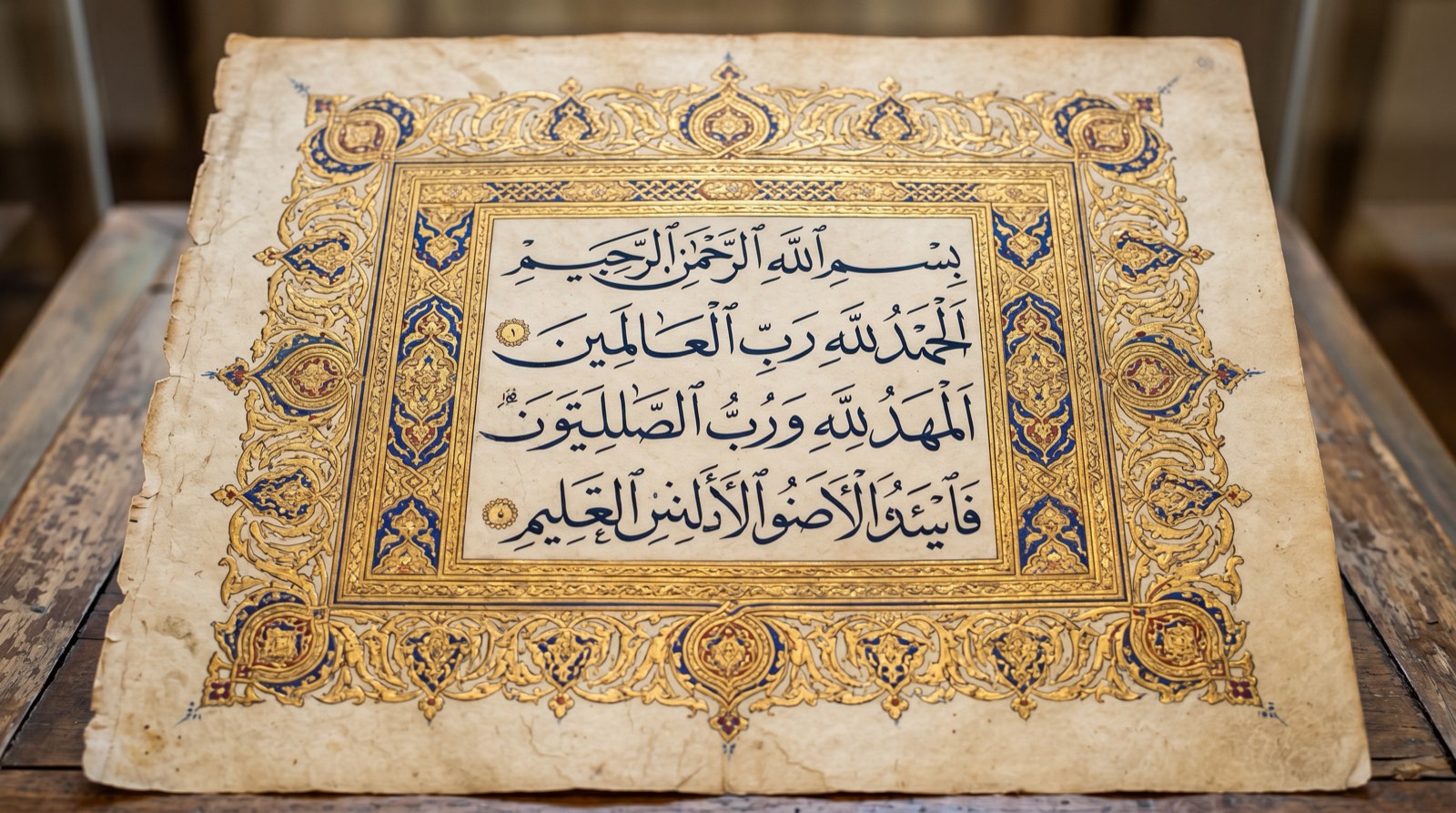
Every feature in Noon runs inside WordPress. No separate dashboard, no offsite interface, no export file that breaks the moment your client updates a plugin. The Gutenberg editor is where the work happens. Noon extends it.
The five instruments cover distinct stages: block pattern creation, full page assembly, color system design, typographic system generation, RTL bilingual layout. Use one or all five. The structural work of a typical site build is what they're sized for.
Pattern Forge
You type a description. Pattern Forge reads your current Global Styles configuration, respects your active type scale and palette, and returns a complete Gutenberg pattern block — a real array of core blocks, not a template image or a shortcode.
The generated pattern lands in your current post or page directly. You edit it the same way you edit any block: drag, resize, retype. Nothing is locked. Nothing requires the plugin to stay active to render.
What to expect from a prompt
[ PROMPT EXAMPLE ]
"Three-column feature grid. Each cell has a heading, two lines of description, and a link. Use the site's current primary color for the headings. Serif body text. Sepia border."
The forge reads "three-column," builds a core/columns block with three core/column children, adds core/heading and core/paragraph within each, and applies your palette's primary color to the headings via the blocks' color attribute. It does not invent styles. It uses what you have.
Average generation time: under 5 seconds. Works inside the full site editor and the post editor.
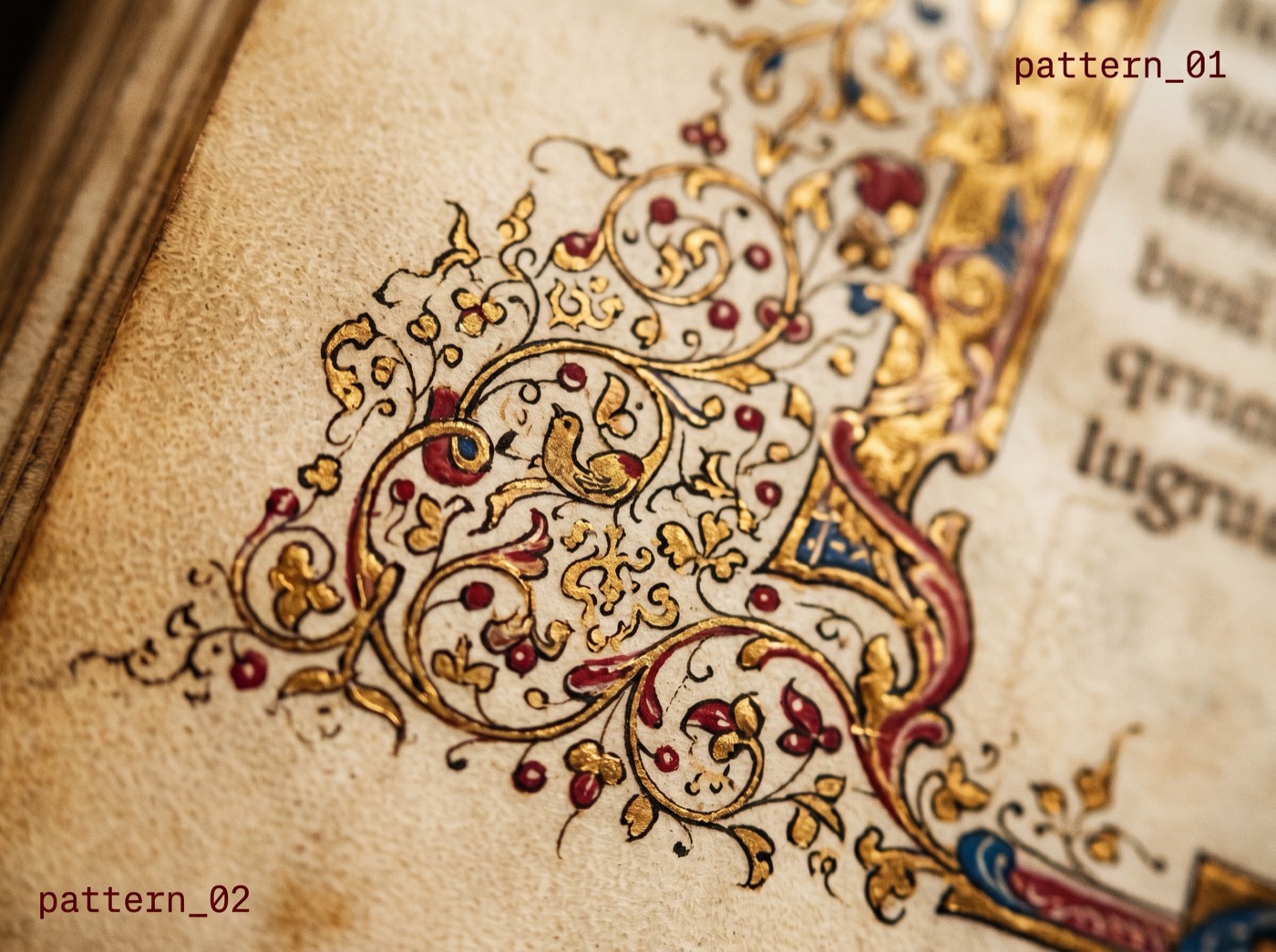
Page Scribe
A page is more than a collection of patterns. It has structure: a hierarchy of heading levels, a logical reading flow, sections that support rather than repeat each other. Page Scribe assembles that structure from a paragraph of intent.
You describe the page's purpose, its audience, and any constraints — tone, language, maximum section count. The Scribe returns a complete page template: hero, supporting features, a social proof section, and a call to action, all as a block editor template file.
Lighthouse-clean by default
Every page the Scribe writes passes Lighthouse's accessibility and performance checks before you edit a word. Heading hierarchy is correct. Images have alt attributes. Color contrast is maintained. The Scribe does not cut corners to get the page on screen faster.
When you hand off a site built with Page Scribe, your client receives something structurally sound. The AI work is invisible by the time they open WordPress.
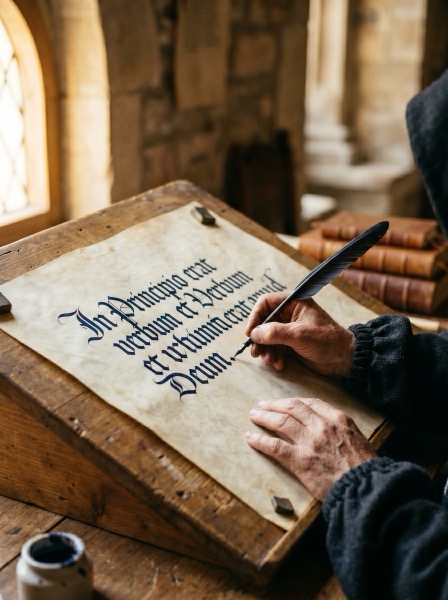
Palette Librarian
Color systems designed for the screen, not borrowed from a brand deck. You describe an atmosphere — a season, a material, a mood — and the Librarian returns five OKLCH palettes with tested contrast ratios and suggested typography pairings.
One click applies the palette to your Global Styles. You can swap between options without leaving the site editor. Each palette includes a dark mode variant.
Type Rubric
Complete typographic systems from a brief. The Rubric selects display, body, and monospace fonts appropriate to your described context, generates a fluid type scale, sets line-height and tracking values, and produces a theme.json excerpt ready to paste.
Fonts are self-hosted as woff2 files. No Google Fonts requests at runtime. Privacy-compliant and fast.
RTL Concordance
The instrument built by a studio in Amman that publishes in Arabic. Concordance generates bilingual page versions — Arabic and English, Hebrew and English — with proper RTL layout mirroring, correct typographic hierarchy for each script, and shared design tokens.
No other Gutenberg theme has approached RTL as a generation feature rather than a stylesheet flag. See the full RTL page.
Ready to draft your first pattern?
The base theme is free. Pattern Forge runs after a two-minute setup. No credit card required for the first 10 AI generations.
Open the scriptorium Compare tiers