A Drag and Drop Website Builder, Native to WordPress
Pattern Forge drafts the Gutenberg blocks. You drag, resize and rearrange them in the Site Editor, no separate page builder plugin needed.
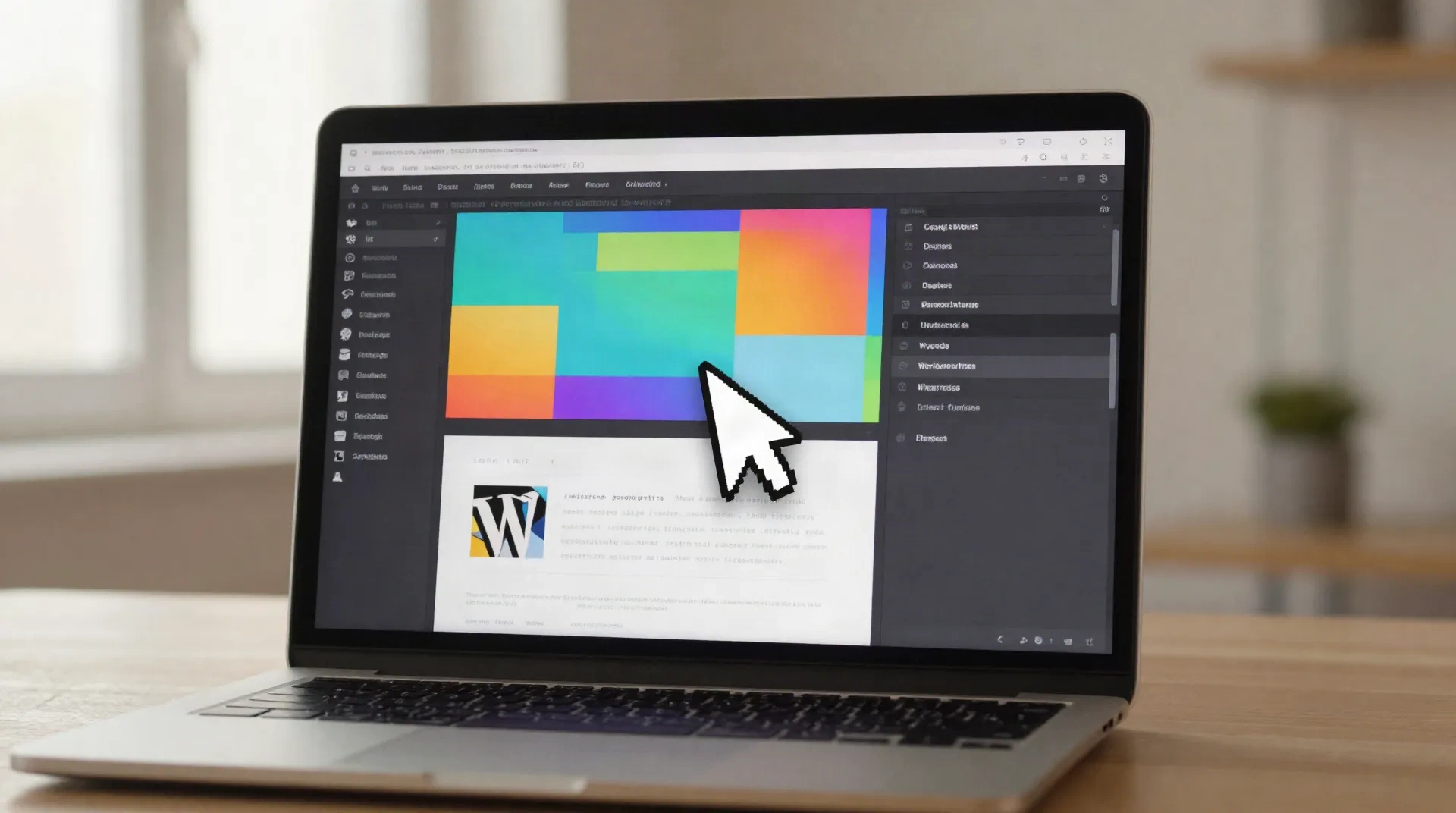
Six things a native block builder gets right
No proprietary widget tree. Every block you drag is markup you can read and keep.
Drag, resize, reorder
Pick up a Group, Cover or Query Loop block in the Site Editor canvas and move it, no separate builder plugin sitting on top of WordPress.
Pattern Forge drafts the start
Describe a hero or pricing section in plain English. Pattern Forge returns native Gutenberg blocks already placed on the canvas, ready to rearrange.
Palette Librarian, on brand
OKLCH palettes matched to a brand brief, written into theme.json so every dragged block picks up the right colors automatically.
Type Rubric type scales
Variable font scales set once in theme.json. Drag a heading block anywhere and the typography stays consistent.
RTL Concordance built in
Arabic and Hebrew layouts mirror correctly by default: logical CSS properties instead of manual left and right overrides after the fact.
No runtime to unwind later
The output is standard block markup saved to your own theme files, not a widget tree tied to a page builder subscription.
Built for a WordPress freelance running more than one client site
A one-person practice cannot hand-build a unique hero for every client. The drag and drop part happens in the Site Editor canvas: Pattern Forge drafts the starting blocks, you rearrange, resize and restyle them against the brief, then commit the pattern to the theme. The next client site starts from a library, not a blank canvas.
- Pattern libraries reused across a dozen small-budget sites
- Client handoff without a page builder subscription to renew
- Drag and drop that stays inside core WordPress, not a plugin runtime
- Faster iteration once the first few patterns exist

Drag and drop that mirrors correctly for Arabic and Hebrew sites
Most page builders treat right-to-left as an afterthought: manual CSS overrides, a plugin bolted on after launch, spacing that breaks the moment real Arabic copy replaces the placeholder text. RTL Concordance writes logical CSS properties into every pattern by default, so a block dragged into a bilingual EN/AR layout mirrors on the first try, checked against real Arabic and Hebrew content, not lorem ipsum.
- Layout mirroring checked against real Arabic and Hebrew text
- Logical CSS properties instead of hardcoded left and right
- One theme.json, two reading directions
noonwp vs. Elementor vs. Divi, on the criteria that matter later
Measured on what a client notices once they try to move hosts.
| Criteria | noonwp | Elementor | Divi |
|---|---|---|---|
| Where blocks live | Native Gutenberg, core WordPress | Elementor's own widget tree | Divi Builder's own module tree |
| Full Site Editing support | Built for FSE block themes | Bolt-on, not FSE-native | Bolt-on, not FSE-native |
| RTL layout handling | RTL Concordance, logical CSS by default | Manual CSS overrides typical | Manual CSS overrides typical |
| Code if you switch builders | Standard theme.json patterns you keep | Locked to the Elementor runtime | Locked to the Divi runtime |
| Entry price | Monk plan, $0 | Paid add-on on top of Elementor Pro | Bundled in Divi, about $89/yr |
Pricing scoped to how many sites you drag and drop
Start on Monk with a real client site, not a sandbox. Upgrade once Pattern Forge runs out.
Monk
for a single site, testing the workflow
- Pattern Forge, limited generations per month
- Standard Gutenberg block output
- Community support
Scribe
for freelances running client sites
- Pattern Forge, unlimited generations
- Page Scribe for full FSE pages
- Palette Librarian, OKLCH palettes
- Type Rubric type scales
- Email support
Abbey
for agencies managing several sites
- Everything in Scribe
- RTL Concordance for bilingual sites
- Multi-site pattern libraries
- Priority support
Before you drag your first block
Is the WordPress Site Editor actually a drag and drop website builder?
Do I still need Elementor or Divi alongside Pattern Forge?
What happens to the patterns if I stop paying for noonwp?
Can I drag and drop on an existing WordPress site, or only a fresh install?
How does RTL Concordance handle Arabic or Hebrew during drag and drop?
Is there a free plan to try the drag and drop workflow?
How is this different from Elementor AI or Divi AI?
Set the folio for your next client site
Start on Monk, free, and see what a dragged Gutenberg pattern looks like before you commit to a plan.