AI Website Creator Built on WordPress Blocks
Describe a page in plain English and get native Gutenberg blocks you can edit, restyle and keep. No lock-in, no mystery markup.
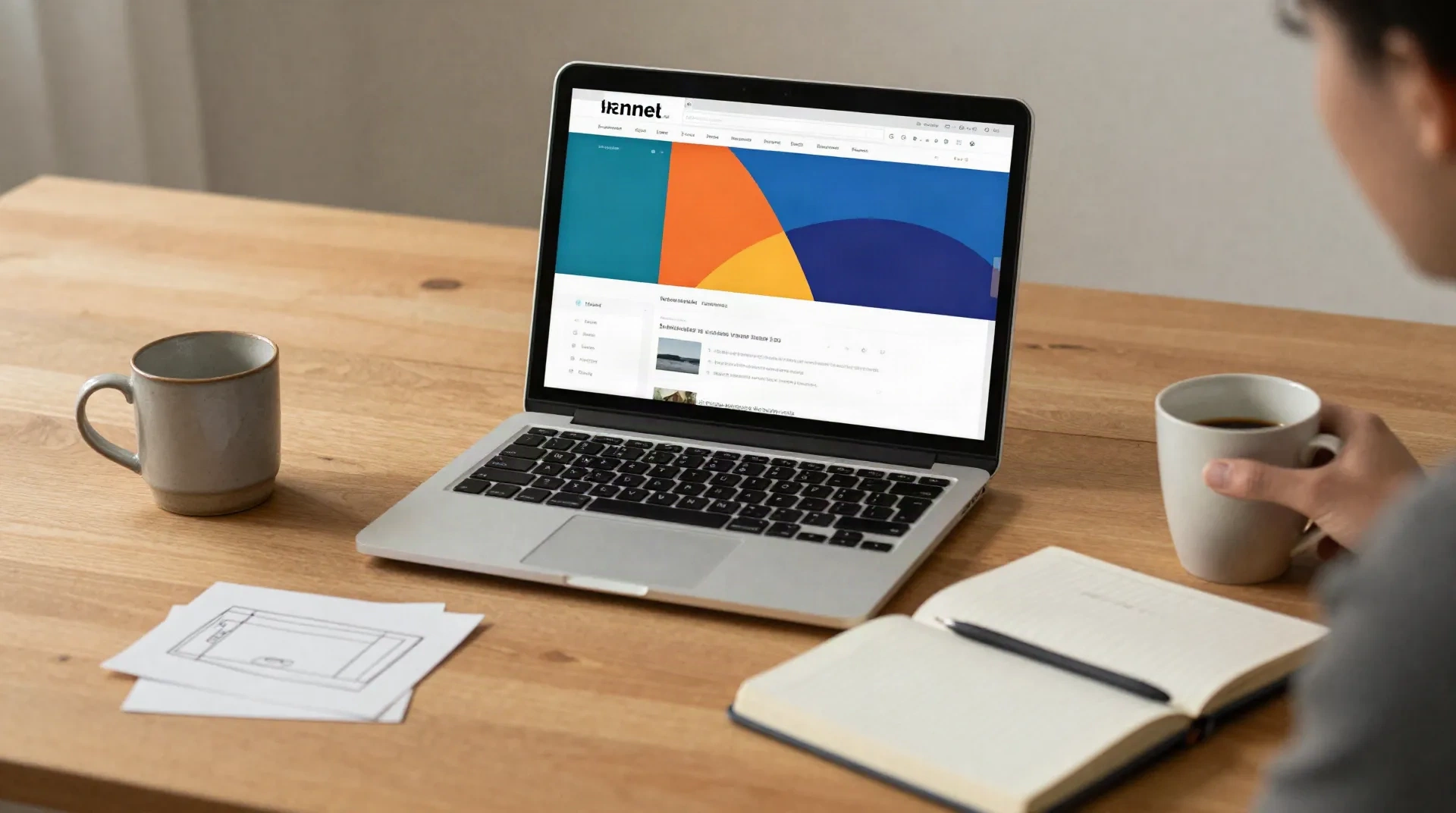
Four jobs an AI website creator should do
Skip the demo gloss. These decide whether the site is still pleasant to maintain a year from now.
Draft from a plain brief
Say what the section must do: a services grid, a pricing row, a hero with one call to action. Specific briefs give usable first drafts.
Output real blocks
You get core Gutenberg blocks such as Group, Cover and Query Loop, not a proprietary widget tree that only one plugin can read.
Respect your theme
Palette Librarian and Type Rubric read colors and type scales from theme.json, so new pages match the old ones without manual cleanup.
Handle right-to-left
Bilingual English and Arabic or Hebrew layouts need mirrored structure from the start. RTL Concordance treats that as a normal case, not an afterthought.
From brief to published page
A short loop you can run on a real client project, in the order you would work.
-
1
Write the brief
Name the page goal, the audience and the sections you expect. Two clear sentences beat a page of adjectives.
-
2
Let Pattern Forge draft
Native blocks land on the canvas, styled from your theme.json. Page Scribe can draft a whole page when you need more than one section.
-
3
Refine in the Site Editor
Move, rename and restyle. This is the part no generator replaces, and where your judgment earns the fee.
-
4
Check the copy and ship
Verify every claim, price and name in the text. Then publish, and hand the client the same blocks you edited.
Let the AI write the first pass, not the last
A good AI website creator saves the slow part: staring at an empty canvas. Give it a brief and it returns a structured draft in seconds, with real block markup underneath. What it cannot do is know your client. You still decide the hierarchy, tighten the copy and remove sections that do not earn their space. Treat the output like a junior's first commit: useful, fast and worth reading line by line before it goes live.
- Drafts generated from a plain-English brief
- Blocks placed directly on the Site Editor canvas
- You keep full control of every edit after generation
Bilingual layouts that mirror properly
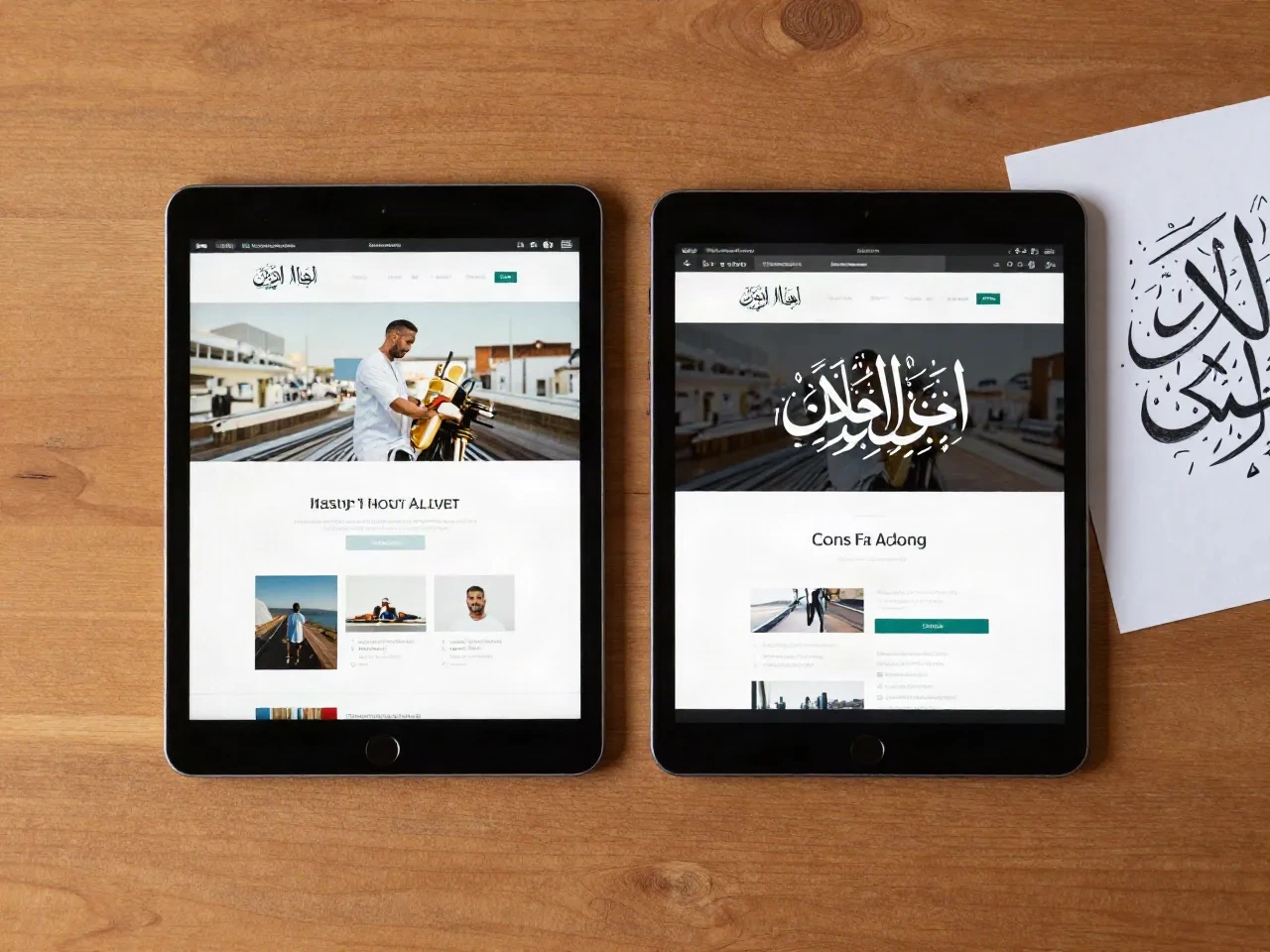
Most guides to AI site creators never mention right-to-left, and for MENA publishers it decides the whole project. RTL Concordance writes logical CSS properties into each pattern, so an English and Arabic layout mirrors on the first pass instead of needing left and right overrides. Check the result against real Arabic or Hebrew copy before you promise a client anything, and expect to adjust fonts as well as direction.
- Logical CSS instead of hardcoded left and right
- Layouts checked with real Arabic and Hebrew text
- One pattern serves both directions
AI site creation options side by side
Qualitative on purpose. Prices and features change, so check each vendor's current page before you commit.
| Criteria | noonwp on WordPress | Hosted AI site generators | Chat assistant plus copy-paste |
|---|---|---|---|
| Where the layout lives | Core block markup in your theme | Inside the vendor platform | Whatever code you paste in |
| Moving to another host | Straightforward, the files are yours | Usually means a rebuild | Possible, but you maintain it by hand |
| Editing after generation | Visual, in the Site Editor | Visual, within the vendor tool | Manual code edits |
| Right-to-left support | Logical CSS by default | Depends on the template | Manual overrides |
| Best for | Agencies and freelances handing sites over | Solo shops with one site and no plans to move | One-off experiments and snippets |
Start free, pay when it earns it
Three tiers, billed per month.
Monk
Try it on a single site
- One site
- Limited monthly generations
- Pattern Forge drafts
- Native Gutenberg output
Scribe
For working freelances
- More generations each month
- Page Scribe full-page drafts
- Palette Librarian and Type Rubric
- RTL Concordance
Abbey
For agencies with many client sites
- Higher generation limits
- Multiple client sites
- Shared pattern library
- Priority support
Common questions
What is an AI website creator?
Can an AI website creator build a whole WordPress site?
How is noonwp different from hosted AI site generators?
Does the generated code stay clean enough to maintain?
Does it work for Arabic and Hebrew sites?
How much does it cost?
Will AI-drafted pages hurt my SEO?
What happens to my pages if I cancel?
Draft one page. Judge the creator.
Take a real client brief, run it through Pattern Forge on the free plan, and see whether you would hand it over.