How to Design a Landing Page That Converts in WordPress
Summary
To design a landing page that converts, pick one action for the visitor, sketch the sections in grayscale, write the real headline first, and build a hero with one button. Add specific proof right under it, design mobile first, keep Largest Contentful Paint under 2.5 seconds and text contrast at 4.5 to 1. In WordPress, use a dedicated block template, then measure and change one element at a time.
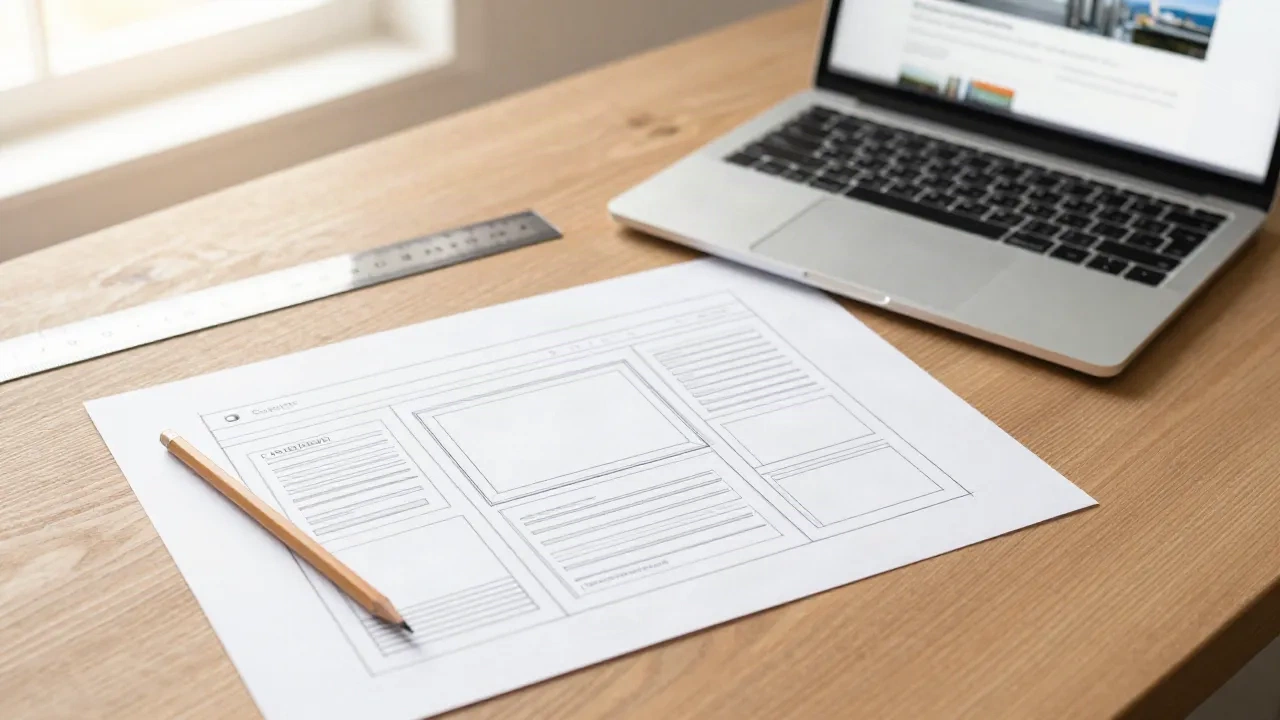
If you want to know how to design a landing page that converts, start with one decision: the single action a visitor should take. Everything else, from the hero layout to the colour of the button, follows from it. Sketch the sections in grayscale, write the headline before you touch a block, and cut anything that does not serve that one action. The rest of this folio covers how to do it inside WordPress, with the Site Editor, and with the limits you will meet.
Why does a landing page need a different brief from a homepage?
A homepage serves many visitors with many goals. A landing page serves one visitor with one goal, usually arriving from an ad, a newsletter or a search result. That difference changes the whole build.
Navigation shrinks or disappears. Secondary links go. The footer loses its sitemap. In a block theme this means a dedicated template, not a hidden menu on a shared one. Create a blank template in the Site Editor, strip the header template part, and keep only a logo and the call to action.
Skip the temptation to reuse your homepage hero. On a client project last spring, a freelance colleague reused the homepage Cover block for a webinar page and left the full menu in place. Visitors wandered off to the blog. Removing seven menu items was the cheapest fix of the quarter.
What should you sketch before opening the editor?
Paper first. Draw five or six rectangles stacked vertically and name each one: hero, problem, solution, proof, offer details, final call to action. Most published guides, from HubSpot to Unbounce, agree on roughly this sequence, and it holds up because it mirrors how a sceptical reader decides.
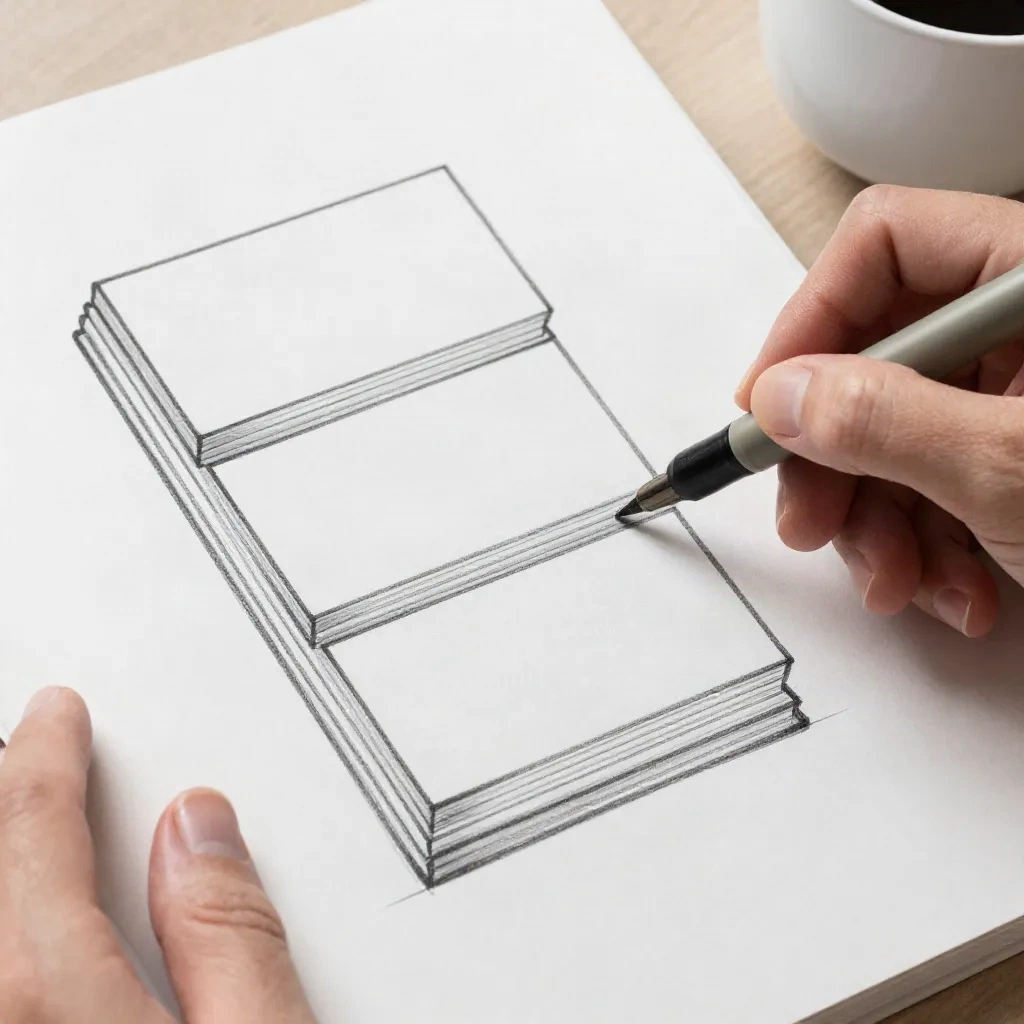
Work in grayscale. Colour hides weak hierarchy, and a grayscale sketch exposes it fast. If you cannot tell which rectangle matters most when everything is gray, the visitor will not either.
Then write the words. Headline, one supporting sentence, button label. Design around real copy, because a layout built on lorem ipsum always breaks when the true headline runs to three lines. In Arabic or Hebrew, where the same sentence often runs longer, this is not optional.
How do you build a hero that earns the scroll?
The hero has four jobs: state the outcome, say who it is for, offer one action, and show something that makes the claim believable. A headline that names a result ("Ship a client site in an afternoon") beats a headline that names a feature ("A flexible page builder").
In Gutenberg, build the hero from a Cover block containing a Group, so you can constrain the content width independently of the background. Set the Group to a content width of around 640 to 720 pixels, add a Heading block, a Paragraph and a single Buttons block with one button. One button. Two buttons mean two decisions, and the second one is usually the one that gets clicked.

Keep the supporting visual honest. A real screenshot of the product beats a decorative photo. If you only have abstract imagery, use it at lower weight and let the headline carry the page. Skip carousels in the hero: they bury the message on slides most visitors never see.
Marginalia: this layout works from WordPress 6.5 onward, where the Cover block and Group constraints behave predictably in the Site Editor.
How much proof does the page need, and where does it go?
Proof answers the question the hero raises: can I believe this? Place it directly under the hero, not at the bottom where only the committed reader arrives.
Good proof is specific. A named client with a measured result is worth more than five generic stars. A logo strip helps if the logos are recognisable to your audience, and a single testimonial with a real name and role outweighs a slider of anonymous quotes.
Be careful with figures you cannot source. Some popular guides quote conversion rates that no analytics tool would produce. If you cite a number, say where it came from and when it was measured, or leave it out. Your own before and after, measured on your own site, is better than any borrowed statistic.
Which layout rules matter most on mobile?
Most landing page traffic from ads and social arrives on a phone, so design that view first and widen later. Use a single column, keep line length short, and make the call to action reachable with a thumb.
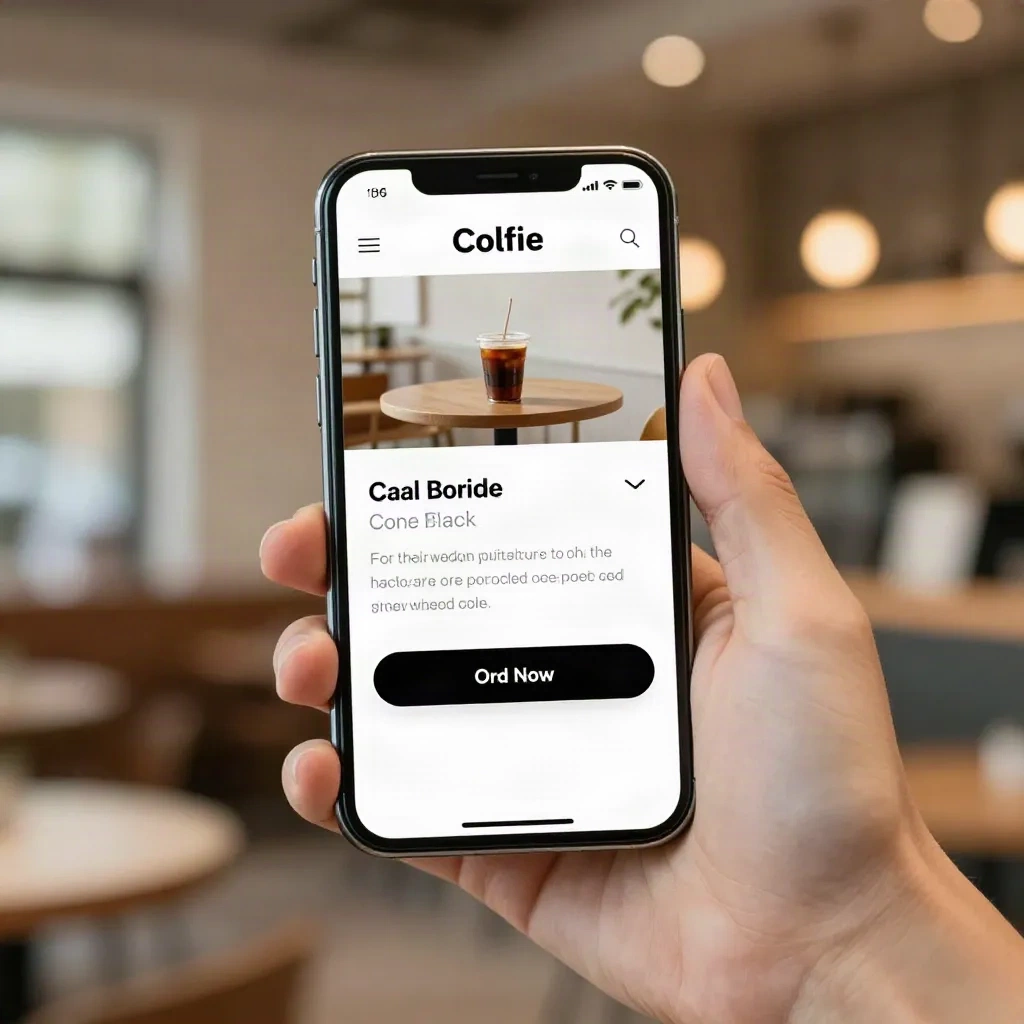
Three rules cover most of the damage. Keep tap targets at least 24 by 24 CSS pixels, which is the minimum in WCAG 2.2 at level AA, and preferably much larger for the main button. Keep body text readable without zoom. And repeat the call to action after the proof section, so nobody scrolls back up to find it.
In a block theme, handle spacing with the spacing scale defined in theme.json rather than custom padding on each block. The WordPress theme.json reference documents the presets, and using them keeps the mobile and desktop rhythm consistent without a stylesheet of overrides.
What does speed have to do with design?
Everything. A landing page that looks excellent and loads slowly loses the visitor before the headline renders. Google's guidance treats a Largest Contentful Paint of 2.5 seconds or less as good, and on a landing page the largest element is almost always the hero image or headline. See the web.dev explanation of LCP for how it is measured.
Practical consequences follow. Compress the hero image and serve it as WebP. Do not lazy-load the hero image, since it is the element you want painted first. Limit web fonts to one family, ideally a variable font self-hosted with a sensible fallback. Remove sliders, autoplay video and third-party chat widgets from the first screen.
This is where WordPress landing pages often lose to hosted builders. A page assembled from a heavy multipurpose theme can ship hundreds of kilobytes of unused CSS. A lean block theme with a dedicated template ships far less, and that gap shows up directly in LCP.
How do you handle contrast, accessibility and RTL?
Accessibility is a design constraint, not a late audit. The WCAG 2.2 success criterion for contrast asks for at least 4.5 to 1 between normal text and its background, and the W3C explanation of the minimum contrast criterion shows how to test it. A pale gray caption on a white card fails, and so do many pastel buttons with white labels.
Check the button first. It is the element the whole page exists for, and it is often the one with the weakest contrast because it was chosen for brand colour rather than legibility.
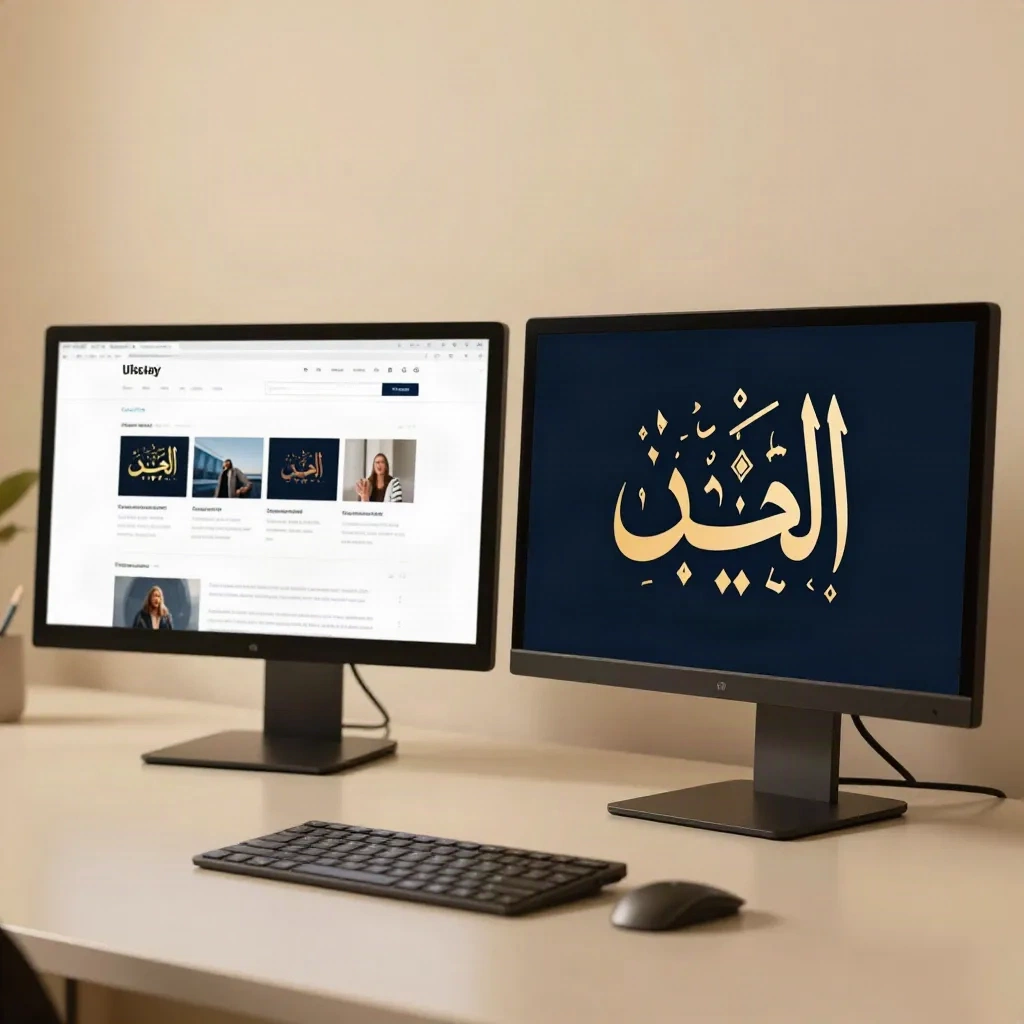
For bilingual or Arabic and Hebrew audiences, mirroring is more than flipping the page. Icons that imply direction, such as arrows on the button, must flip. Padding and margins should use logical properties (inline-start and inline-end) rather than left and right. Fonts need testing at the headline size, because many Latin display faces have no Arabic companion and the fallback changes the visual weight.
Test the RTL view on a real device with real copy. A mirrored layout that looks fine with placeholder text can break when the true Arabic headline wraps differently.
Which tools make sense for a WordPress landing page?
You have three honest options. Build it natively in the Site Editor with patterns, which gives the lightest page and the most control but asks the most of you. Use a visual builder such as Divi, which speeds up layout work and trades away some page weight. Or generate a first draft with an AI site builder and then rebuild the parts that matter by hand.
Be sceptical of any tool that promises a finished, converting page from one prompt. The generated structure is a fair starting point for the section order and the placeholder copy. It is rarely a good final design, and the markup often needs cleaning before a client can maintain it.
If the page lives outside WordPress, a hosted builder like Framer or Webflow is a legitimate choice for a campaign that will run for six weeks and then disappear. Pick based on how long the page must live and who will edit it, not on the demo.
How do you test and improve it after launch?
Launch is the start of the measurement. Set up one conversion event, connect it to your analytics, and check that form submissions are actually tracked before you send traffic. A page that cannot report its own results cannot be improved.
Change one thing at a time. Headline first, because it has the largest effect, then the button label, then the proof order. Run each test long enough to collect a meaningful number of conversions, rather than stopping at the first promising day. With a small audience, a test can take weeks, and that is fine. Patience beats a false winner.
Two housekeeping items are easy to forget. If the page exists only for paid campaigns, decide whether it should be indexed, since a thin duplicate of your offer can compete with your main page. And if the form collects personal data, add the consent wording your region requires before launch, not after the first complaint.
What should you do this week?
Open a blank template in the Site Editor and build only the hero, with real copy and one button. Then check it on your phone and measure its LCP. Draft a pattern from it, so the next client page starts from a tested section instead of an empty canvas.