Code Refactoring Techniques for WordPress Developers
Summary
Code refactoring techniques help WordPress developers improve PHP readability, reduce technical debt, and maintain block themes sustainably. This folio covers six concrete approaches: extracting methods, applying guard clauses, eliminating duplication, refactoring FSE templates, using PHP functional methods, and structuring theme.json tokens. Each technique includes real production constraints.
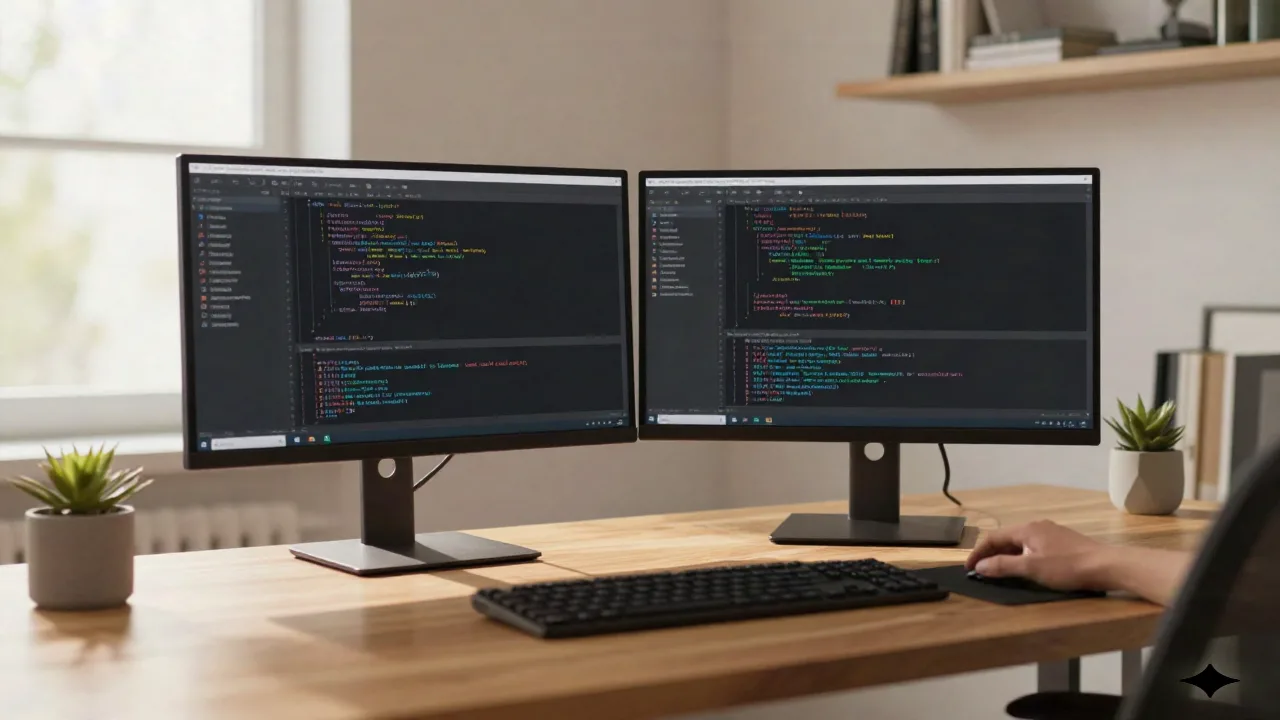
Six code refactoring techniques decide whether a WordPress codebase stays maintainable after year one or becomes the kind of functions.php that new freelancers inherit with dread. This folio covers the ones that matter in practice, applied specifically to block theme development and plugin PHP.

The Code Smell That Signals It Is Time to Refactor
A function.php file that exceeds 400 lines is a reliable indicator. So is a block pattern that was "temporarily" duplicated three months ago and now exists in five slightly different versions across a client's theme directory. Code smells are not bugs. The site runs. The client is happy. But the next developer to touch this codebase will spend four hours understanding what should take forty minutes.
At usage, here is what one constate: the cost of refactoring rises sharply the longer it is deferred. A 2024 Stack Overflow survey found that 62% of developers cite technical debt as their top daily frustration. On WordPress projects this typically manifests as conditional logic nested four levels deep inside template functions, or register_block_pattern() calls scattered across three different files with no clear ownership.
The prerequisite before any technique: test coverage. Refactoring without tests is not refactoring, it is rewriting with optimism. For WordPress, WP-CLI and PHPUnit provide the baseline. On FSE-only block themes where PHP is minimal, end-to-end checks via Playwright against a local Lando or LocalWP environment serve the same purpose.
Extract Method: The First Tool on the Bench
The most broadly applicable refactoring technique in WordPress PHP development is Extract Method. The principle is direct: when a function does more than one thing, split it.
Consider a file upload handler in a plugin. The original implementation is a 200-line function that validates the MIME type, checks file size, determines the S3 ACL, and writes the attachment metadata, all in sequence. The refactored version defines four methods: is_valid_mime_type(), is_within_size_limit(), get_s3_acl(), and write_attachment_meta(). The outer function reads almost like annotated prose.
For Gutenberg block themes, the same principle applies to functions.php. A theme that registers block styles, enqueues editor scripts, configures block supports, and adds custom query vars in a single after_setup_theme hook is doing too much at once. Splitting these into named, focused functions and including them from a /inc/ directory is not architecture astronautics. It is the difference between a codebase someone can pick up in an hour and one that requires a guided tour.
Marginalia: this approach works for WordPress 6.4+ where the block hooks API introduces additional registration patterns that benefit from isolation.
Guard Clauses Replace Nested Conditionals
Nested conditionals are the second most common friction in WordPress PHP code reviewed in production. A pattern that appears frequently in plugin development looks like this: a function checks for a capability, then checks if a post type matches, then verifies a meta value, then finally executes its logic. Each check is nested inside the previous one, producing code shaped like a staircase.
Guard clauses invert this. Each condition that would prevent execution becomes an early return at the top of the function. The successful path is the bottom of the function, unindented, readable without tracking brace depth.
// Before: staircase of doom
function handle_submission( $post_id ) {
    if ( current_user_can( 'edit_posts' ) ) {
        if ( get_post_type( $post_id ) === 'project' ) {
            if ( get_post_meta( $post_id, '_status', true ) === 'pending' ) {
                // actual logic here
            }
        }
    }
}

// After: guard clauses
function handle_submission( $post_id ) {
    if ( ! current_user_can( 'edit_posts' ) ) return;
    if ( get_post_type( $post_id ) !== 'project' ) return;
    if ( get_post_meta( $post_id, '_status', true ) !== 'pending' ) return;

    // actual logic here
}
The refactored version is shorter and, more importantly, each condition can be read, understood, and modified independently. When the business logic changes (it will), the change is surgical.
DRY in Block Patterns: Stop Duplicating Templates
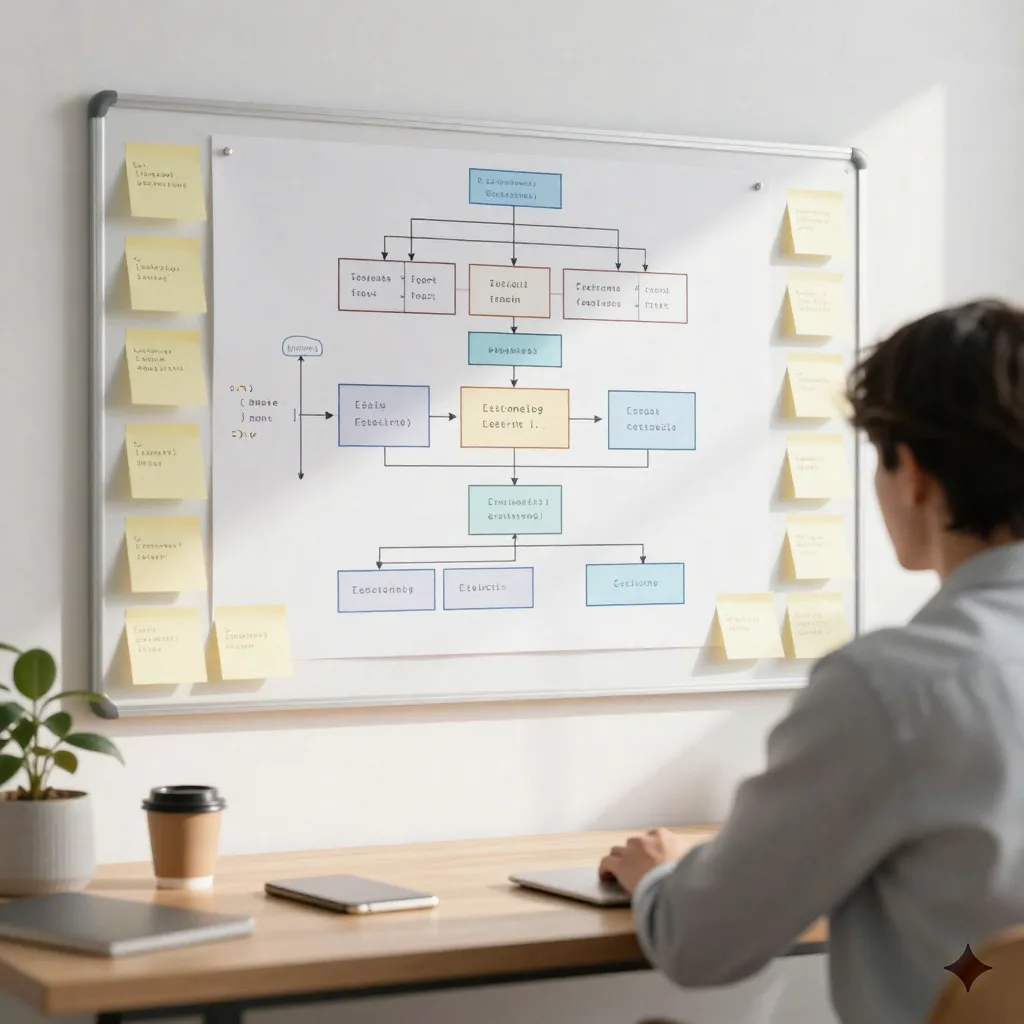
DRY (Don't Repeat Yourself) is the refactoring principle most frequently violated in block theme development. When a WordPress freelance builds a site for a client, the initial pattern library often grows organically: a hero block here, a testimonial section there. By the third month of active development, it is common to find five hero block variants with 80% identical markup, each slightly customised for a different section of the site.
The refactoring approach here is to identify the shared structure, extract it into a single canonical pattern, and then use Block Pattern variations or Global Styles to handle the visual differences. This is what the Create Block Theme plugin facilitates at the tooling level: it makes the gap between "theme in development" and "exportable, reusable theme" explicit.
For plugin PHP, the equivalent is abstracting shared methods into a parent class. If two add-on classes both define a set_settings() method that reads from the same option key, that method belongs in a shared abstract class. When the option key changes, the fix happens once.
Skip this refactoring if: the duplicated patterns serve genuinely different editorial contexts that will evolve independently. Forced DRY creates coupling that is worse than the original duplication. The test is whether the two duplicates would logically change together. If yes, extract. If no, leave them separate.
Refactoring FSE Templates: From Monolith to Template Parts
The Full Site Editing template system introduced a structural refactoring opportunity that many block theme developers are still not using fully. A templates/single.html that contains the full header markup, navigation, content area, sidebar, and footer in one file is the FSE equivalent of a monolithic function. It works. It is also impossible to maintain across a site with twelve different post types.
The refactoring path is template parts. Move the header into parts/header.html, the footer into parts/footer.html, and reference them via <!-- wp:template-part {"slug":"header"} /--> in each template that needs them. When the client changes the navigation structure, the change happens in one file and propagates everywhere.
This is not hypothetical. The Gutenberg issue tracker contains an active thread on template refactoring from the core team, reflecting the same pattern at scale.
A field note on when not to refactor templates: if a site has ten templates that are all slightly different and the client frequently edits them directly in the Site Editor, aggressive extraction into template parts can create confusion. The Site Editor's UI for template parts is improving but still has friction around discoverability. For non-technical clients, fewer moving parts is often the right call, even if it is less elegant architecturally.
Functional PHP Methods Reduce Loop Clutter
PHP's built-in array functions (array_map, array_filter, array_reduce) are underused in WordPress plugin code. They eliminate explicit foreach loops and intermediate variables, producing code that expresses intent rather than mechanism.
A common pattern in WordPress: iterating over an array of post objects to extract a computed value, building an accumulator inside the loop. The functional equivalent uses array_map to transform each post and array_reduce to compute the final value. The result is fewer lines and, more importantly, no mutable state inside the loop.
This technique is appropriate when the operation is genuinely a transformation or reduction. It is not appropriate for operations with side effects (database writes, API calls) that need error handling per item. In those cases, the explicit loop with clear error boundaries is the right choice.

theme.json as Design Token Refactoring
The sixth technique is specific to block theme development and represents a different kind of refactoring: moving hardcoded values out of CSS and PHP into theme.json as named design tokens.
A theme that defines color: #1a1a2e in six different CSS rules, or that hardcodes the same font stack in both style.css and an editor stylesheet, has a maintenance problem. When the brand colour changes, the developer searches for hex values. When the font changes, it changes in two places or more.
theme.json solves this by making design decisions explicit and named. A colour palette entry "slug": "primary" becomes var(--wp--preset--color--primary) in CSS. Change the hex value in theme.json, and every block that uses the preset colour updates automatically, in both the front end and the Site Editor.
The same principle applies to spacing scales, font sizes, and custom layout dimensions. Refactoring a theme to use theme.json tokens consistently is not glamorous work. It takes time. At usage, here is what we observe on sites where it has been done: the next design iteration is measurably faster, and style drift between the editor and the front end drops significantly.
When Refactoring Makes Things Worse
The colophon of this article: not every codebase benefits from aggressive refactoring. Three situations where we would advise restraint.
First: a client site with a delivery deadline in two weeks. Refactoring introduces risk. Ship the feature, document the debt, schedule the cleanup.
Second: code you do not fully understand yet. Refactoring requires a model of what the code does. If that model is incomplete, the refactored version may eliminate behaviour that appeared incidental but was load-bearing.
Third: code that is going to be replaced entirely within six months. The McKinsey 2024 data on systematic refactoring shows a 40-50% faster completion rate compared to ad hoc approaches. That advantage assumes the refactored code will be maintained. If the code is temporary, the investment does not compound.
The test before refactoring any WordPress codebase: can you articulate, in one sentence, what the code does now? If no, read before you rewrite.