Framer vs Webflow: Which Site Builder Wins in 2026?
Summary
Framer vs Webflow splits along one line: speed versus depth. Framer's freeform canvas and built-in AI generation get a visually distinctive site live in minutes, but its CMS caps at 10 collections even on Pro. Webflow costs more to start but gives a real CMS with references and filtering, standards-based code export, and ecommerce plans that scale to 15,000 items. For a one-off marketing site, pick Framer. For a client site meant to grow, Webflow is the safer production choice.
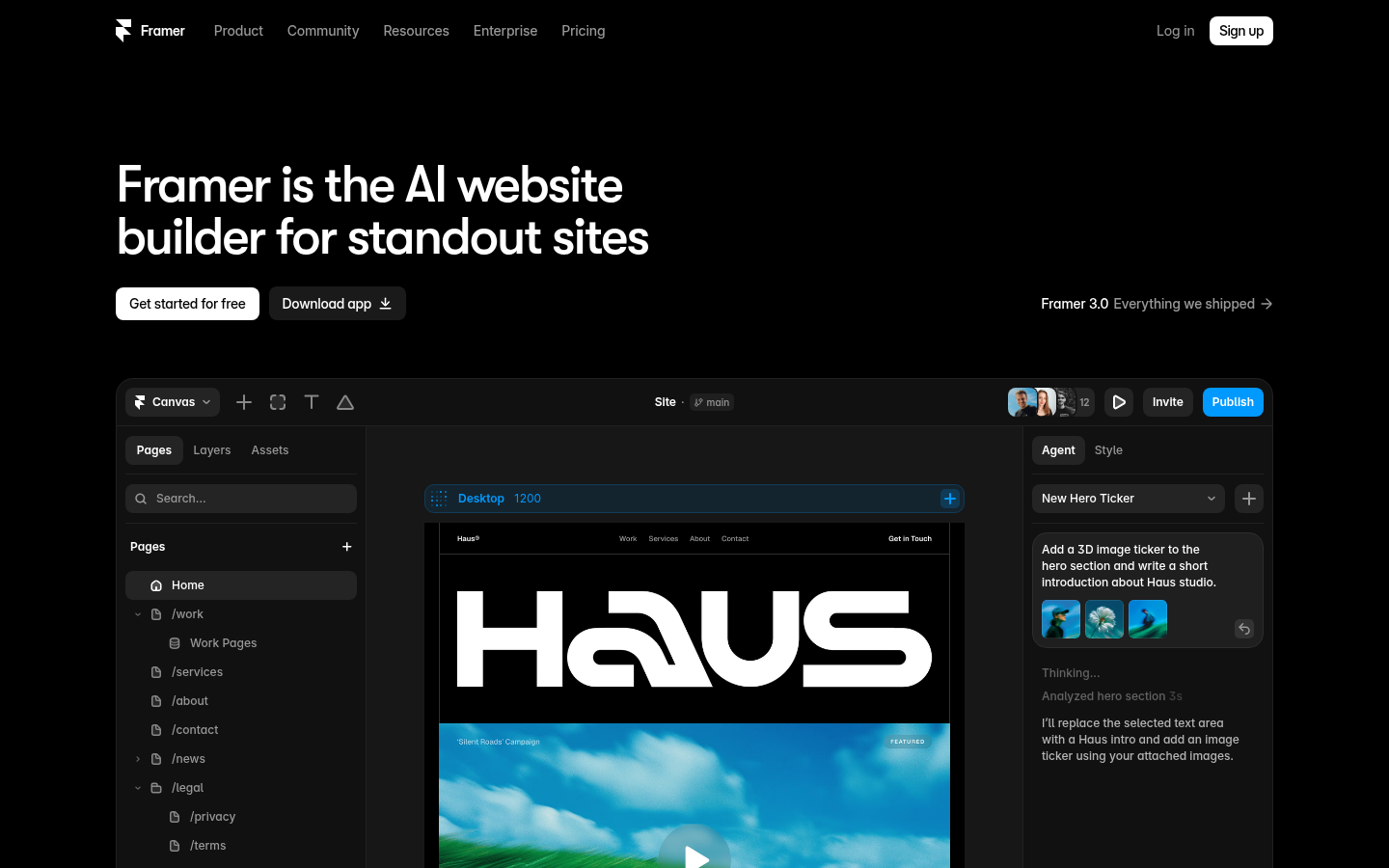
Framer
- Freeform canvas gives pixel-level control over layout and motion without writing custom CSS
- AI site generation and in-editor AI agents turn a text prompt into a working draft in minutes
- Publishing is close to instant, and the free plan is generous enough for real prototyping before paying
- Localization add-on machine-translates a site into up to 20 languages from inside the editor
- CMS collections cap at 2 on Basic and 10 on Pro, which pinches content-heavy sites fast
- No plugin ecosystem comparable to WordPress, so uncommon functionality means custom code
- Page and CMS item limits push a growing client site into paid add-ons quickly
Best when the brief is a fast, visually bold marketing site and nobody needs a deep CMS.
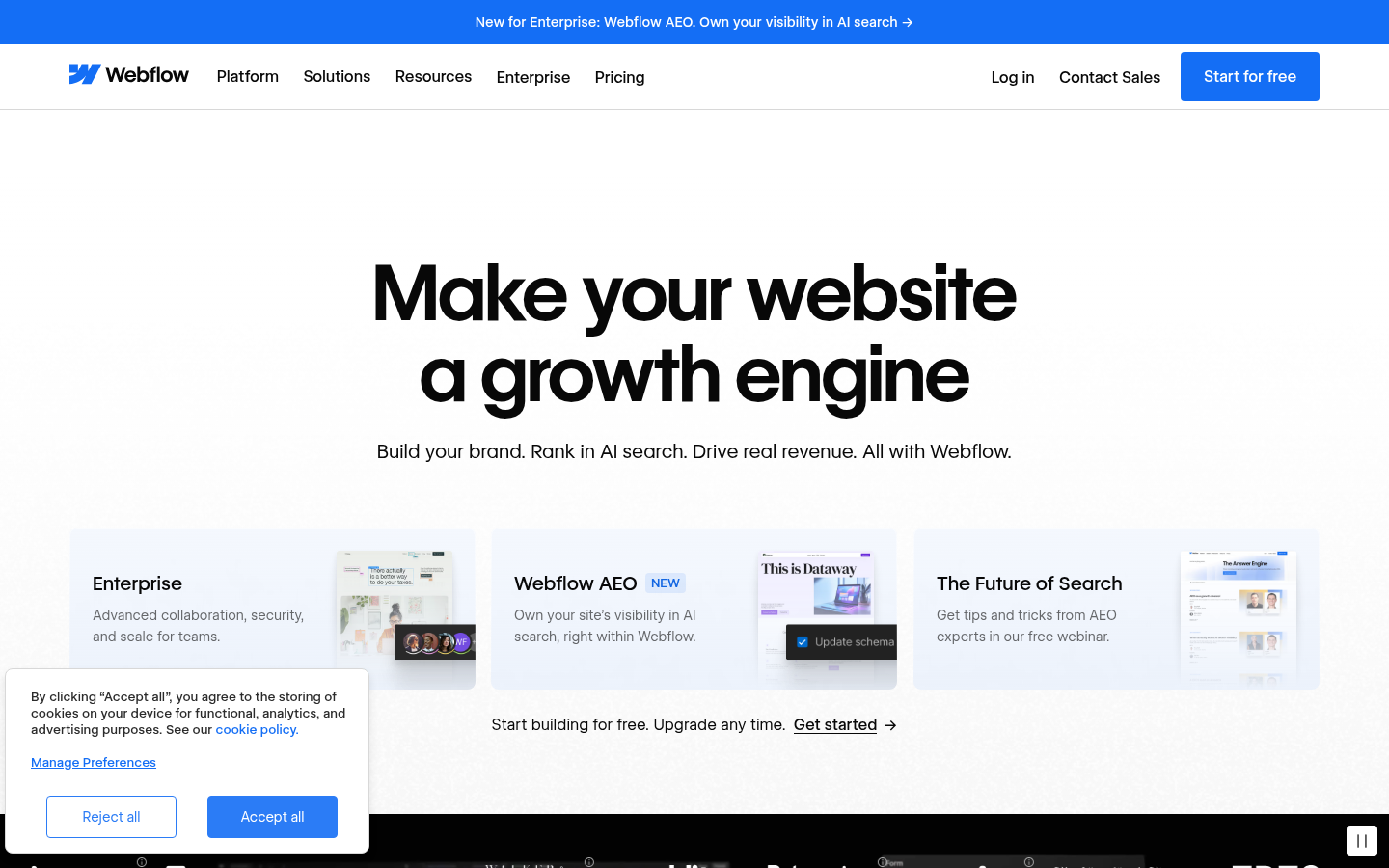
Webflow
- Native CMS collections with references and filtering handle genuinely dynamic content
- Exported HTML and CSS is clean and standards-based, so a static site can leave Webflow hosting
- Ecommerce plans scale from a 500-item store to a 15,000-item catalog with 0% fees above Standard
- Staging environments, client seats, and role permissions match how agencies hand off client work
- The box-model editor has a steeper learning curve than a freeform canvas for non-developers
- Premium CMS plans and bandwidth add-ons get expensive fast on high-traffic content sites
- Dynamic CMS collections do not survive a code export, so leaving Webflow means rebuilding the data layer
Best when the client site needs a real CMS, ecommerce, or a multi-year content roadmap.
At-a-glance
| Framer | Webflow | |
|---|---|---|
| Starting price for a real site | $10/mo Basic (2 CMS collections, 50 GB bandwidth) | $15/mo Basic (no CMS) or $25/mo Premium (full CMS) |
| CMS depth | 2 collections on Basic, 10 on Pro, max 40 with paid add-ons | Collections with references, filtering, and a public REST API |
| Code you can take with you | No export path; the site only exists on Framer hosting | Exports static HTML/CSS (dynamic CMS collections do not export) |
| Native ecommerce | None built in, needs a third-party embed | Dedicated plans, $29 to $212/mo, 0% fees above Standard |
| Built-in AI tooling | AI site generation plus in-editor AI agents, credit-metered | AI copy/layout assist plus an MCP server for agent workflows |
| Learning curve | Low: freeform canvas, closer to a design tool | Medium to high: box-model layout closer to real CSS |
Verdict
Webflow is the safer recommendation for professional and agency work: its CMS handles genuinely dynamic content, its code export is standards-based, and its ecommerce plans scale past a hobby store. Frame it as the pick for any client site expected to grow past a handful of static pages. Framer stays the better answer when the brief is speed and visual polish with no CMS ambitions at all.
How we tested
We compared Framer and Webflow directly against their published pricing pages (pulled July 2026), cross-checked plan limits, CMS collection caps, item counts, and bandwidth against the same source, and reviewed both editors' current AI feature sets and CMS documentation. Scoring weighted CMS depth, code ownership, and the total cost of a realistic client site (CMS, a custom domain, and one translated locale) over raw editor polish, since that is what decides whether a freelance or agency can safely hand a site off for years of maintenance.
Framer vs Webflow is a choice between two very different production philosophies. Framer optimizes for speed: a freeform canvas, built-in AI generation, and a page live in minutes. Webflow optimizes for depth: a real CMS with references and filtering, standards-based code export, and dedicated ecommerce plans. For a one-off marketing site, Framer usually wins. For a client site meant to hold years of content, Webflow is the safer production choice, and it is our pick here.
Why WordPress freelances keep getting asked this question
A client says "our competitor's site is on Framer" or "our marketing team wants Webflow, not WordPress." It happens often enough that it deserves a straight answer instead of a shrug. Both platforms borrow ideas WordPress freelances already know: a visual canvas, a content model, a publish button. Neither replaces a block theme for everything, but each replaces it for something specific.
This comparison looks at both tools as a working practitioner would: real pricing pulled from the current pricing pages, real limits (page counts, CMS collections, bandwidth), and what happens to the site the day you need to leave the platform or scale past the starter tier.
What each platform actually optimizes for
Framer started as a design and prototyping tool and still behaves like one. The canvas is freeform: you place elements where you want them, wire up interactions visually, and the AI site generator can draft a full page from a prompt. It is closer to Figma with a publish button than to a traditional site builder.
Webflow started from the opposite direction: a visual editor that maps directly onto real CSS box-model concepts, paired with a genuine content management system. Collections, references between collections, and filtered views make it possible to build something closer to a small custom application than a static marketing page.
Pricing: what a real client site actually costs
Framer's Basic plan is $10 a month and covers a custom domain, 2 CMS collections, and 50 GB of bandwidth. Pro moves to $30 a month for 10 CMS collections and 100 GB, with add-ons for more collections, pages, or bandwidth beyond that. Translation locales are billed separately at roughly $20 per locale past the first.
Webflow splits pricing into Site plans and Workspace plans, which trips up first-time buyers. A Basic Site plan without a CMS runs $15 a month billed yearly; Premium, with the full CMS, is $25 a month, per the current Webflow pricing page. Ecommerce sits on its own plan tier, from $29 a month for 500 items and a 2 percent transaction fee, up to $212 a month with no transaction fee at all. None of this includes the separate Workspace plan needed for more staging environments or client seats.
Neither platform is cheap once a site needs a real CMS, translated locales, or ecommerce. Framer's add-on pricing escalates fast past its Pro caps; Webflow's escalates fast past Premium into Team, which requires an annual contract starting at $2,500 a month.
CMS depth: the gap that actually decides which one you recommend
This is where the two products stop being comparable on equal footing. Framer's CMS collections are capped at 2 on Basic and 10 on Pro, extendable to 40 with paid add-ons at $40 per additional 10. Content items cap at 1,000 and 2,500 respectively, extendable to 40,000.
Webflow's CMS was built for genuinely dynamic content from the start: collections can reference each other, filtered and sorted collection lists render without custom code, and a public REST API lets external tools read and write CMS items. For a blog, a directory, a job board, or a catalog with more than a handful of item types, Webflow's CMS model does the job Framer's was not built for.
Code you get to keep
Webflow exports static HTML and CSS on any paid Workspace plan, no attribution required. The catch: dynamic CMS collections do not travel with the export, so a data-driven site becomes a static snapshot the moment it leaves Webflow hosting. Framer has no code export path at all; the site lives on Framer's hosting or it does not exist.
Neither is as portable as a WordPress block theme, where the underlying markup and content are yours from day one. That is worth saying plainly to a client who asks about long-term ownership, since both tools answer "who owns the code" differently than WordPress does.
AI tooling in both editors, and where it stops being a gimmick
Both platforms now describe themselves as AI-native. Framer bakes AI site generation and in-editor agents directly into the workflow, metered by a monthly credit allowance that scales with plan tier. Webflow ships AI-assisted copy and layout suggestions plus a Model Context Protocol server that lets external AI agents read and edit a site's structure directly, aimed at teams already building agent workflows around their tools.
In practice, both AI layers are useful for a first draft and unreliable for finished production work. Treat either as a fast way to get from blank canvas to a rough layout, not as a substitute for a designer's judgment on a client site.
Where Framer wins outright
Speed. A freelance designer prototyping a portfolio, a landing page for a product launch, or a one-off campaign site will publish faster in Framer than in Webflow, with less to learn along the way. If the brief has no CMS requirement and the site will not need more than a couple of dynamic collections, Framer's lower learning curve and generous free tier make it the pragmatic pick.
For clients who want even less editor to learn, chat-first builders like Wegic skip the canvas entirely: you describe the site in plain language and the AI publishes it. It trades design control for near-zero setup time, which is worth mentioning to a client who finds Framer's canvas still too much interface to manage.
How we tested
We compared Framer and Webflow directly against their published pricing pages (pulled July 2026), cross-checked plan limits (CMS collections, item counts, bandwidth, page counts) against the same source, and reviewed both editors' current AI feature sets and CMS documentation. Scoring weighted CMS depth, code ownership, and total cost of a realistic client site (CMS plus a custom domain plus one translated locale) over raw editor polish, since that is what determines whether a freelance or agency can safely hand a site off for years of maintenance.
Set the folio on whichever platform matches the actual brief: Framer for a fast, freeform site with no CMS ambitions, Webflow for a client site that needs to grow.