Best AI Website Builders in 2026: 6 Tools Compared
Summary
The best AI website builders in 2026 differ more in what they leave you with than in how fast they draft. Framer gives the strongest design control, Wix is the safest default for a small business, 10Web is the only one that produces a real WordPress site, and Durable is the quickest route to a basic business page. Wegic is a chat-only builder with code export, but its prices are high and public reviews are few. We compared six tools on price, control and lock-in.
We compare six AI website builders on price, editing control, portability and public reviews, from Framer and Wix to 10Web, Durable, Wegic and Squarespace.
At-a-glance
| Framer | Wix | 10Web | Durable | Wegic | Squarespace | |
|---|---|---|---|---|---|---|
| Entry paid plan (list price, Oct 2026) | Basic $10/mo, Pro $30/mo | Light $17/mo, Core $29/mo, Business $39/mo | AI Starter $20/mo list, $10/mo on annual billing | Launch $25/mo list, $22/mo on annual billing | Starter $39.90/mo list, $286.80/year; Premium $69.90/mo | Basic $25/mo list, $19/mo on annual billing |
| Free start | Free plan with 500 AI credits and a Framer domain | Free plan with Wix branding, no card required | Free account to generate a site; 30-day money-back on paid plans | Free private preview with 300 AI credits | $2.99 trial pack; 100 free credits at signup for chat, generation is paid | 14-day trial, no permanent free plan |
| How the AI builds the site | Agent that designs and edits directly on the canvas | Prompt to site, then drag and drop refinement | Agents that plan, build, redesign or clone a WordPress site | Complete small business site from a few prompts | Chat only: you describe and edit through conversation | Guided setup with AI tools layered on its templates |
| Editing after generation | Freeform visual canvas with animation controls | Full drag and drop editor | Elementor-based editor with an AI assistant | Block edits by hand or by AI, limited HTML control | Select and edit by chat, version history | Fluid Engine drag and drop editor |
| Portability and lock-in | Hosted on Framer; no export of the site as code | Hosted on Wix; no full export of the site as code | Full WordPress CMS, SFTP/SSH access on hosting | Hosted on Durable; no extensive HTML customization | Code export on the Starter plan and above | Hosted on Squarespace; code blocks on Core and above |
| Public review signal | 4.5 of 5 on G2 across 145 reviews | 4.2 of 5 on G2 across 1,888 reviews | 4.5 of 5 on Trustpilot | 4.8 of 5 on Trustpilot, as shown on its own pricing page | About 2.3 to 2.5 of 5 on Trustpilot, only 6 reviews | 4.4 of 5 on G2, 4.6 of 5 on Capterra |
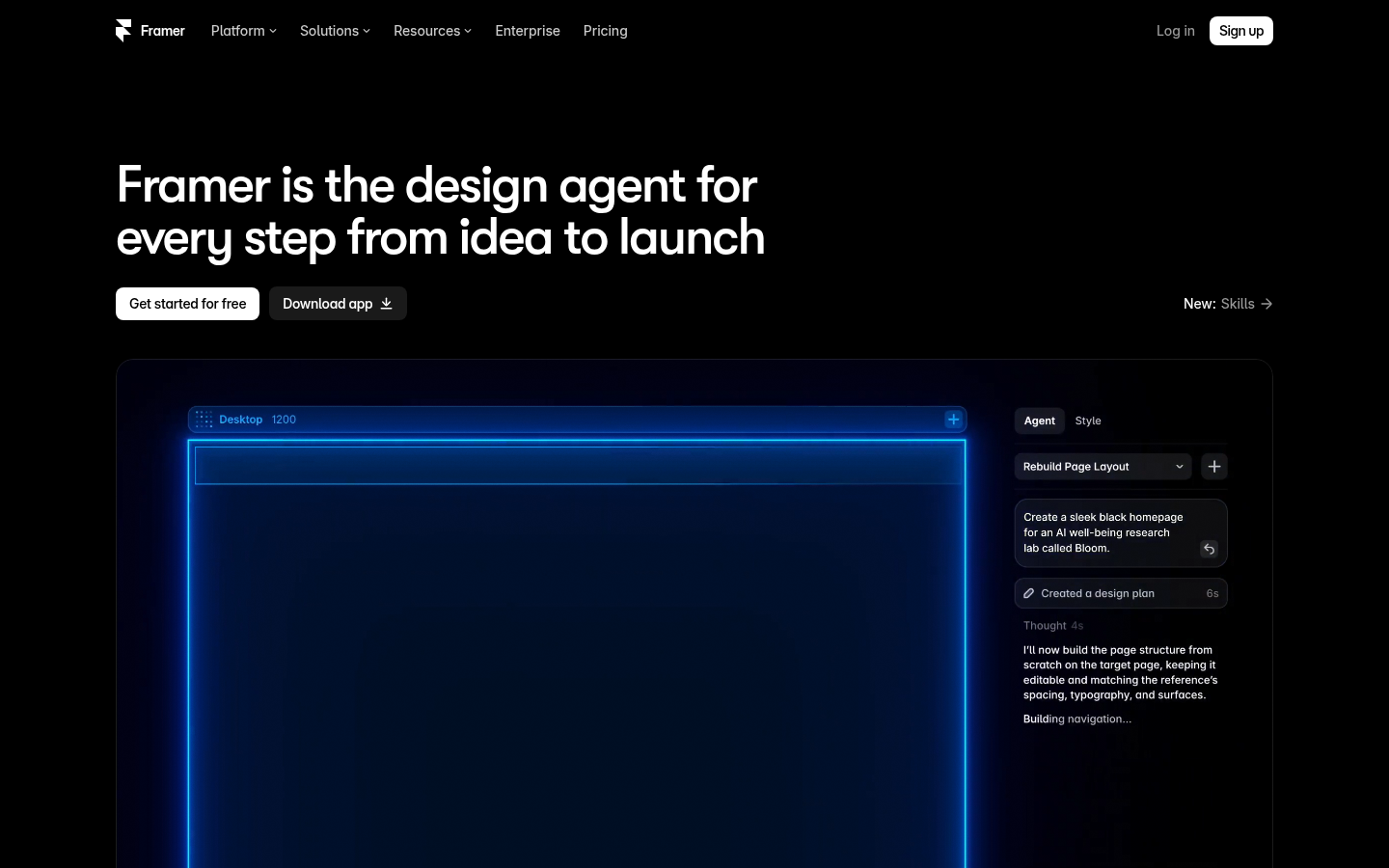
Framer
- Output looks like designer work, with real animation and interaction controls built in
- Agents work on the editable canvas, so every change stays adjustable by hand
- Free plan with 500 credits is enough to judge the result before paying
- The learning curve is steeper than Wix or Durable, and it is a design tool first
- Limits scale in steps: Basic caps at 30 pages and 2 CMS collections
- Hosted only on Framer, so leaving means rebuilding the site elsewhere
The best result per hour of effort if you can live inside a design canvas.
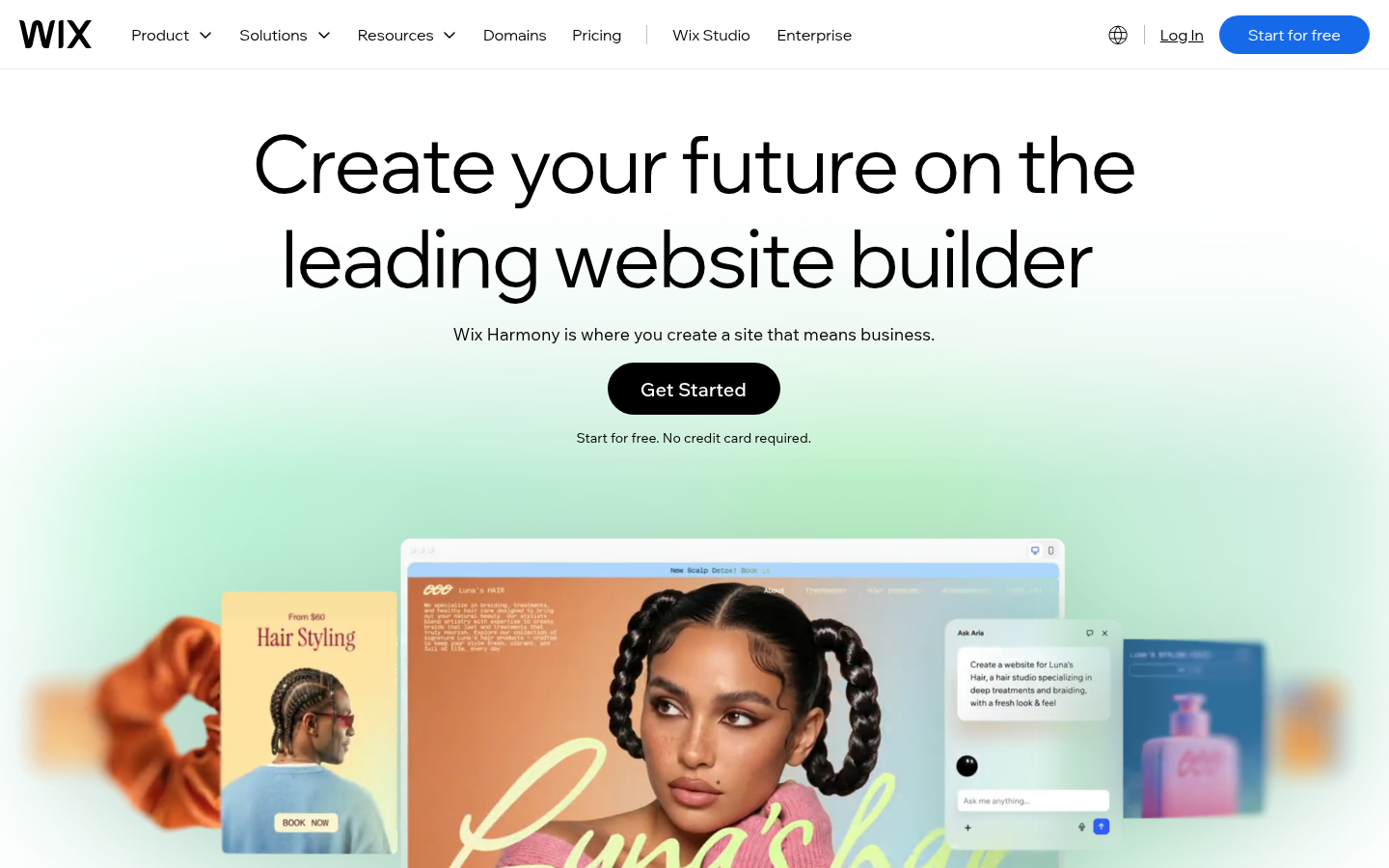
Wix
- Prompt to site, then a mature drag and drop editor for every detail
- Business tools such as stores, bookings and forms come with the paid plans
- Free plan and a 14-day money-back guarantee lower the cost of trying it
- Generated sites can look generic until you rework the layout and copy
- The paid tiers add up quickly once you need ecommerce or advanced marketing
- Sites are locked to Wix hosting and cannot be exported as working code
The least risky choice for a business site that will grow into a store.
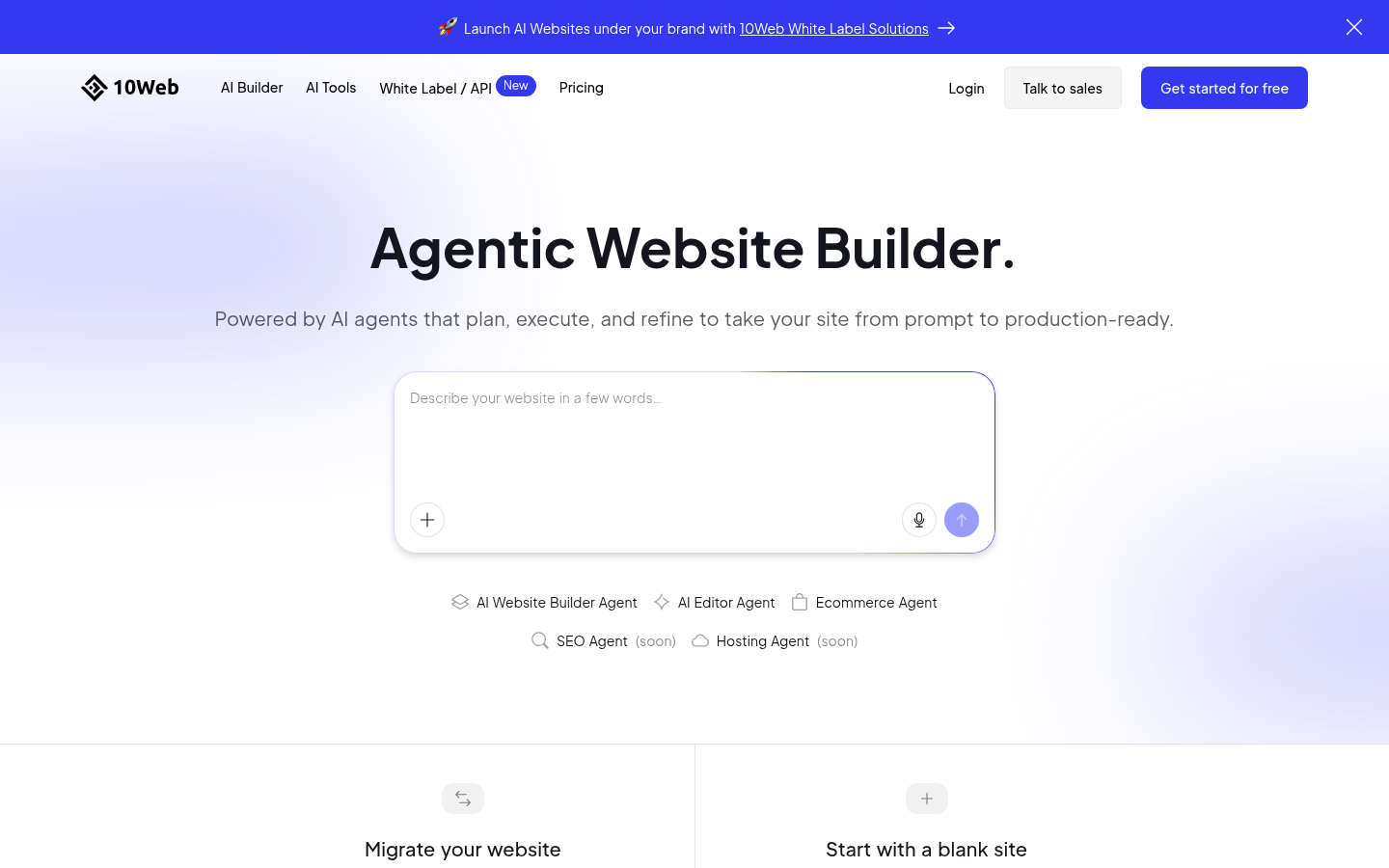
10Web
- Produces a full WordPress site with an Elementor-based editor and an AI assistant
- Redesign, clone and Figma agents help when you start from an existing page
- Hosting includes backups, staging and a stated 90+ PageSpeed target
- The plan structure bundles hosting, so you are buying a platform, not only a builder
- Credits are limited, from 100 a month on AI Starter, and generation spends them
- Reviewers describe the generated results as polished but fairly generic
The only builder here that leaves you with WordPress underneath.
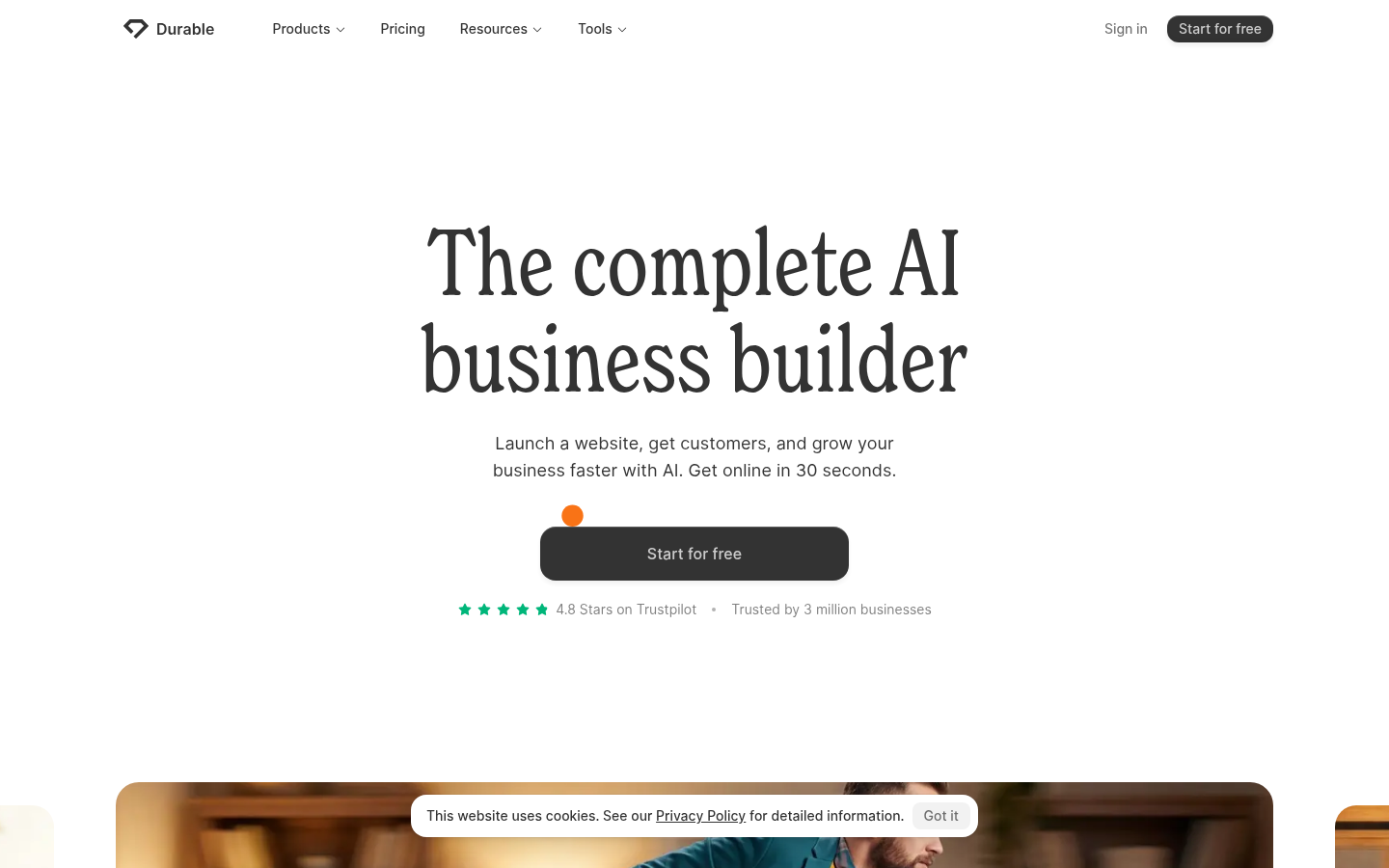
Durable
- A first draft with copy, images and layout arrives in about 30 seconds
- CRM, booking and SEO tooling are bundled into one subscription
- The free preview with 300 credits lets you judge the draft before paying
- Design is generic and customization is limited, with no extensive HTML control
- Not designed for ecommerce, even if some customers have made it work
- Hosting, domain and content all stay inside the Durable platform
Quick and practical for a simple business site, thin beyond that.
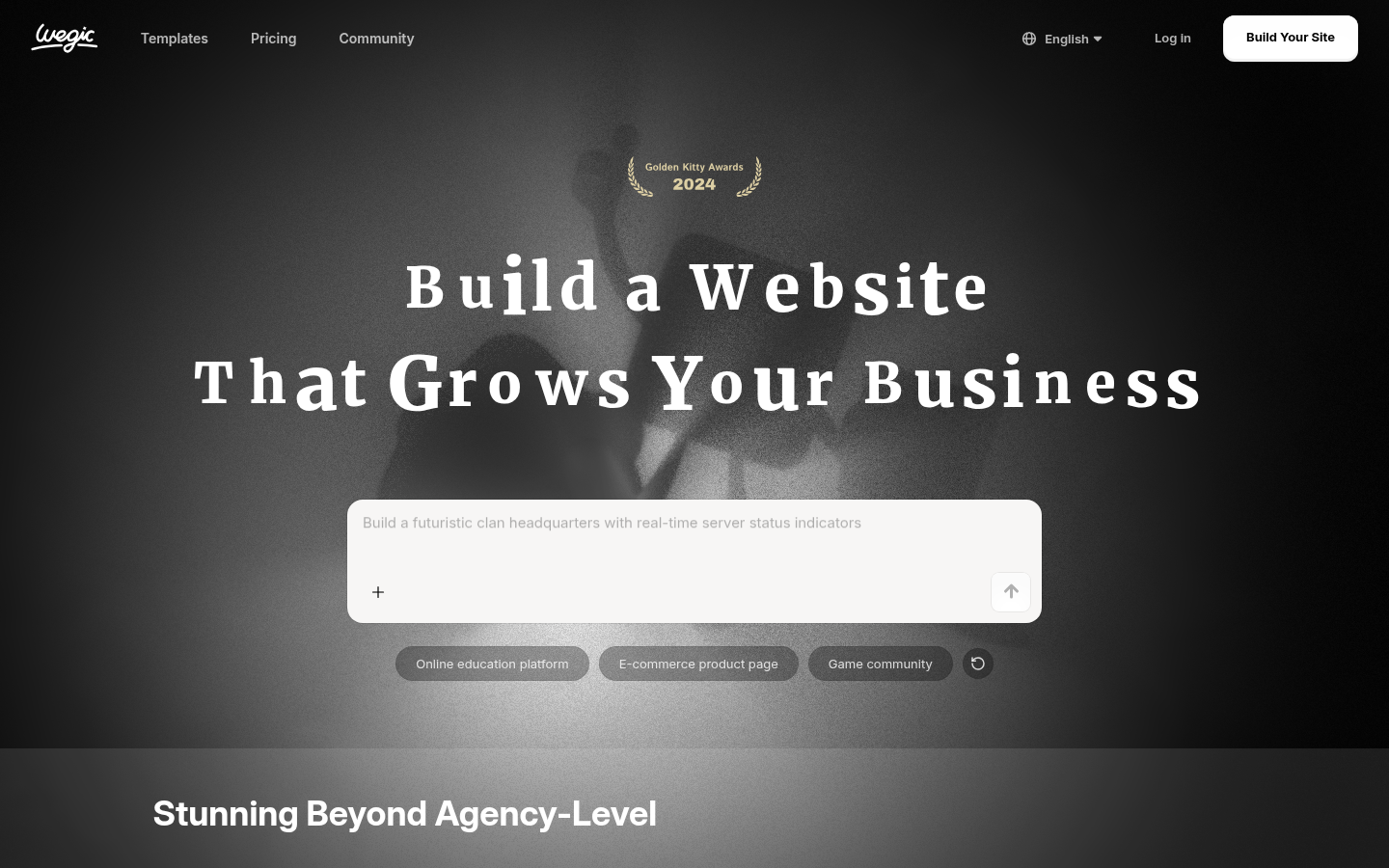
Wegic
- Chat is the whole interface: describe the site, then edit it by conversation
- Code export is included from the Starter plan, which eases the lock-in worry
- Version history with rollback and an SEO suite sit inside the paid plans
- Site generation is paid, and the list prices of $39.90 and $69.90 a month are high
- Credits reset monthly with no rollover, and plan payments are non-refundable
- Public review evidence is thin: about 2.3 to 2.5 of 5 on Trustpilot across 6 reviews
A real option for chat-first editing, but price and thin reviews keep it mid-table.
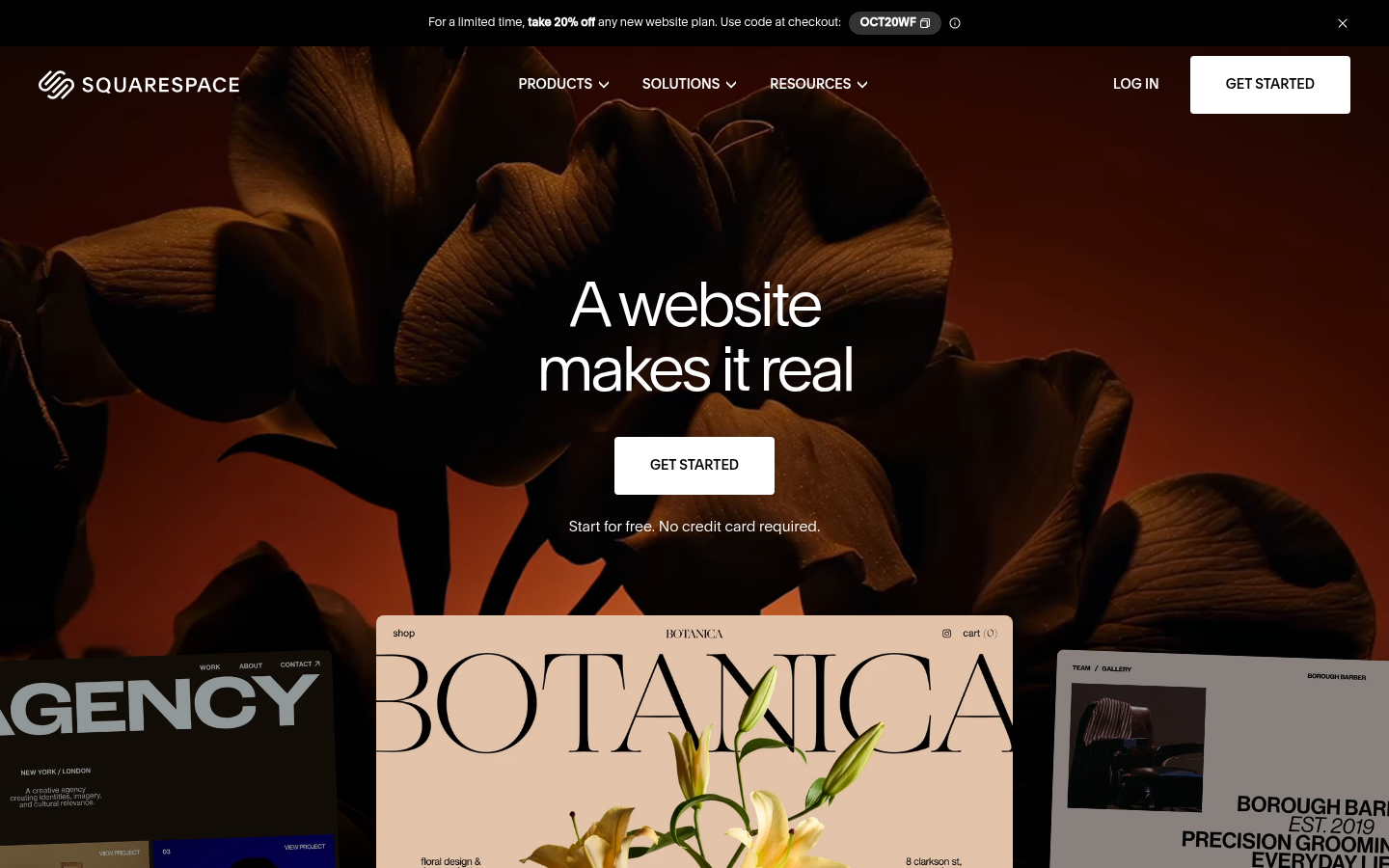
Squarespace
- Templates are polished, with full-bleed imagery and consistent mobile layouts
- AI credits come with every plan, from 10 one-time on Basic to 120 a month on Advanced
- Strong payments and store features, with 0% store transaction fees from Core
- AI is an add-on to the template system, not the way the site is built
- No permanent free plan, only a 14-day trial
- Generated sites tend to look like other Squarespace sites
Excellent if you want templates first and AI second.
Verdict
Framer wins for design-led sites, Wix is the safest default for a small business, and 10Web is the pick if you need WordPress underneath. Wegic earns a place for chat-only building and code export, but cost and a thin review record keep it fifth of six.
How we tested
This is desk research, not a hands-on lab test. Between 1 and 8 October 2026 we checked each vendor's own pricing and plan pages, took a real homepage screenshot of each product, and compared public review aggregates from G2, Trustpilot and Capterra. We did not build the same site on all six, so no speed or conversion claims are made. The custom score out of 5 is an editorial weighting of AI fitness for building a site: output quality, control after generation, portability and value for money. It is not a user average. Prices are list prices in US dollars at the time of checking and change often; the Wegic link is an affiliate link, and it did not decide the ranking.
Choosing among the best AI website builders in 2026 comes down to one question: what do you want to own when the AI has finished? Framer wins for design-led sites, Wix is the safest default for a small business, and 10Web is the choice if the site must stay WordPress. Wegic, our affiliate pick, is a legitimate chat-first option, but it ranks fifth of six for reasons set out below.
How we compared these six builders
Every builder here can turn a prompt into a first draft in minutes. That stopped being a differentiator some time ago. What separates them is what happens after the draft: how much control you keep, what the credits cost, and whether you can leave.
So the table above compares price, free start, the AI approach, editing after generation, portability and the public review signal. Pricing comes from each vendor's own page, checked in the first week of October 2026. Reviews come from G2, Trustpilot and Capterra, and we flag where the sample is small. Nobody here ran a controlled build-off, and we say so plainly in the methodology note.
Framer leads on output quality, not on ease
Framer started as a prototyping tool and it still behaves like one. Its agent designs directly on the canvas, and each change stays editable, which is the property that matters most once the first draft is wrong in three places. The free plan includes 500 credits, so you can judge the result before paying. Paid plans start at $10 a month for Basic and $30 for Pro.
The cost of that control is the learning curve. A non-designer will find Framer slower than Wix or Durable on day one. Limits also arrive in steps: Basic allows 30 pages and 2 CMS collections. If you are building a marketing site or a portfolio and care how it looks, this is the one to try first.
Wix remains the safe default for a small business
Wix generates a site from a prompt, then hands you a mature drag and drop editor. Stores, bookings, forms and marketing tools sit in the same account, which is why it keeps winning roundups for general business use. The free plan carries Wix branding, and paid plans carry a 14-day money-back guarantee, so the downside of testing it is small.
Two honest caveats. Generated sites often look generic until you rework the layout and copy yourself. And the site lives on Wix hosting only, with list prices running from $17 for Light to $39 for Business, so ecommerce needs push you up the ladder quickly.
10Web is the only one that hands you WordPress
For readers of a WordPress publication, this is the relevant entry. 10Web generates a full WordPress site from a prompt, a cloned URL or a Figma file, then hosts it with backups, staging and SFTP access. The editor is Elementor-based, with an AI assistant on top. AI Starter lists at $20 a month, or $10 a month on annual billing, for one site and 100 credits a month.
The trade-off is that you are buying a platform with hosting, not only a builder, and credits are finite. Reviewers describe the generated results as polished but somewhat generic, which is common to this whole category. If you manage client sites, the agency tiers are worth a look.
Durable is built for a business that needs a page this week
Durable produces copy, images and layout for a small business site in about 30 seconds, and bundles a CRM, booking and SEO tooling into the subscription. Launch lists at $25 a month, or $22 on annual billing. The free preview with 300 credits lets you see the draft before you commit.
The limits are clear. Design is generic, HTML control is minimal, and the company itself says it is not designed for ecommerce. For a plumber, a salon or a consultant, that may be exactly enough.
Wegic is a chat-first builder with a real price trade-off
Wegic removes the editor entirely: you describe the site in chat, then change it by chatting. That is a genuine design choice, and for people who find visual editors intimidating it may be the right one. Code export is included from the Starter plan, which eases the usual lock-in concern, and the paid plans add version history with rollback and an SEO suite.
Now the honest part. Site generation is not free: you get 100 credits at signup for chatting, then a $2.99 trial pack or a plan. Starter lists at $39.90 a month and Premium at $69.90, and a custom domain needs Premium. Credits reset every month with no rollover, and payments are non-refundable. Public review evidence is thin, with roughly 2.3 to 2.5 out of 5 on Trustpilot across only six reviews. That is too small a sample to condemn it, and too weak to rank it higher. If you want to test it, start with the trial pack rather than a subscription.
Squarespace treats AI as an assistant to its templates
Squarespace is the strongest here on polish. Its templates use full-bleed imagery and keep layouts consistent across devices, and AI credits come with every plan: 10 one-time on Basic, then 20, 40 and 120 a month on higher tiers. Store transaction fees drop to 0% from Core. It earns 4.4 out of 5 on G2 and 4.6 on Capterra.
It ranks last in this list only because the question is AI building, and here the AI sits beside the template system rather than driving it. If templates matter more to you than prompts, move it up.
Which one fits which job
For a portfolio or a startup landing page, start with Framer. For a small business that may add a store, start with Wix. For anything that must remain WordPress, use 10Web. For a local service business that needs speed, use Durable. For someone who wants to work only by chat and keep a code export, test Wegic with the trial pack. For brand-led sites where templates come first, use Squarespace.
None of these replaces a hand-built block theme. If you care about clean markup and long-term maintainability in WordPress, an AI builder gives you a starting point, not a finished system. Pick two from the list, build the same one-page site in each, and compare the result before you pay for a year.